


Join a live session as a player


On this page 5
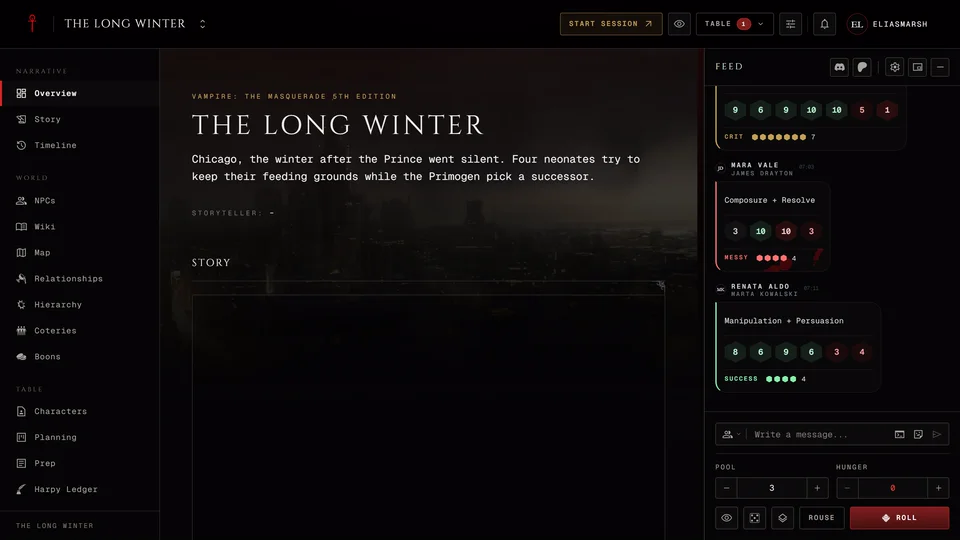
When your storyteller starts a session a red button shows up in the chronicle's header. On a phone it's the Join cell in the bottom bar. Press it and the table opens in its own tab. Where these sit is in Find your way around a chronicle.
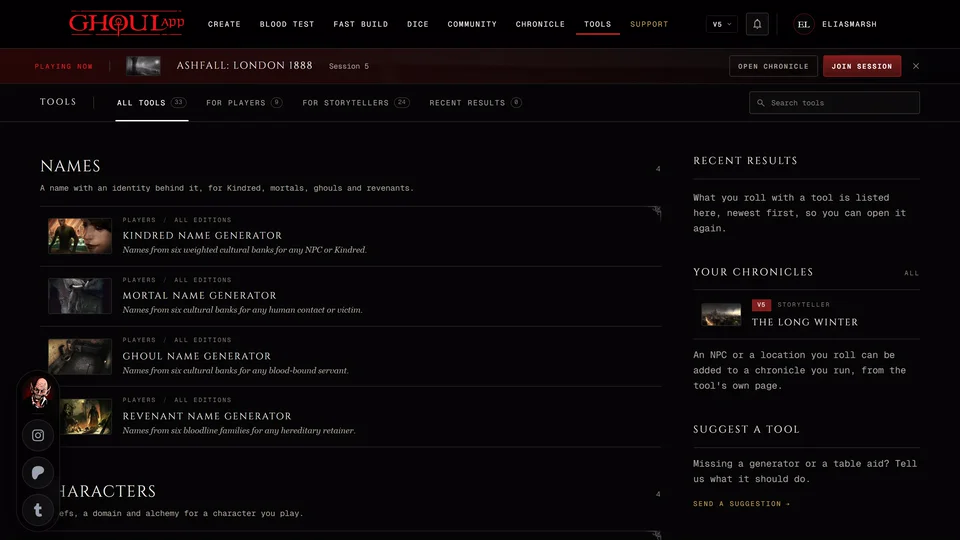
You don't have to be in the chronicle to notice. While you're signed in and one of your tables is live a bar that says Playing now shows across the rest of the app with Open chronicle and Join session. The X at its end hides the bar for that table. The Chronicles page has the same bar and you can turn it off there with Sticky live session bar. The bar checks again when you come back to the window, at most once a minute, so it may take a moment to show up.
Only members of the chronicle can join. Anyone else gets "Session unavailable". A member with the observer role joins read-only and sees a "Read-only observer" badge.
Before the storyteller starts
Open the live session early and you'll see a page that reads "The table is not live". It shows the Next session if one is planned. Last time shows the last scene if one was recorded and a Read the recap link if the last session has a recap. In a new chronicle it says "Nothing has been played yet." Your character shows your linked character with its edition and an Open sheet button so you can check your sheet before you play. Back to chronicle takes you out.
You can leave that page open. When you come back to the window or the tab it checks again and opens the table once the session has started. If the storyteller is still setting things up it says they're preparing the session.
Bring your character
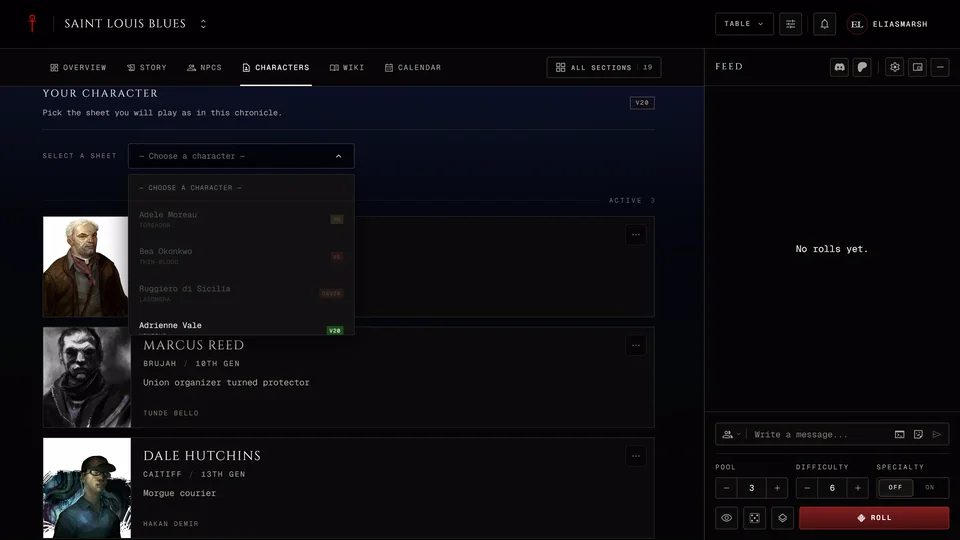
The table works best with a character linked to the chronicle. Without one you can still sit in, read the feed and talk. A message says "No character is linked to this chronicle." and anything that needs your sheet won't work. At the table a small No character tag stays at the top with Manage characters. That button opens the chronicle's Characters page in a new tab where you can link your sheet. Link your character to a chronicle walks through it.
Your sheet at the table
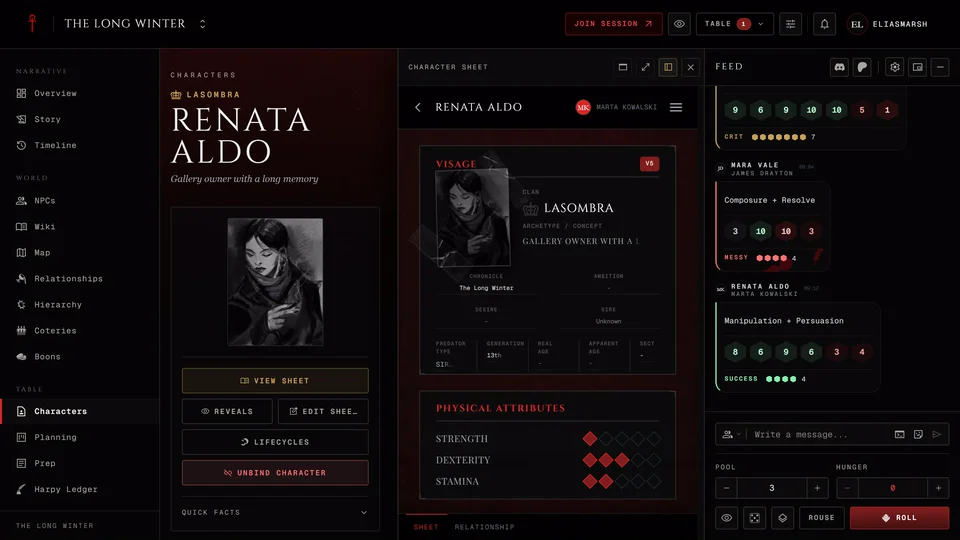
Your sheet opens inside the table, so you never have to leave the session to check a Discipline. On a phone it's the Sheet cell in the bottom bar. When you press Edit the editor opens in a rail beside the table called "Editing" and your character's name. On a computer you can drag its edge to make it wider. On a phone it takes the whole screen.
How it saves depends on the edition. Text, dots and choices save as you go in every edition. In V5, V20 and Dark Ages the marks you make on trackers (damage on Health and Willpower, Hunger, the blood pool) wait for Save. A V6 sheet saves every change. Closing the rail with the X, a click outside it or Esc saves anything still open, tracker marks included. If that save fails the rail stays open so nothing is lost. More on saving is in Find your way around the sheet.
Your save never wipes out a change your storyteller made to the same sheet in the meantime. The app checks first, the same as on the sheet's own page.
At the table
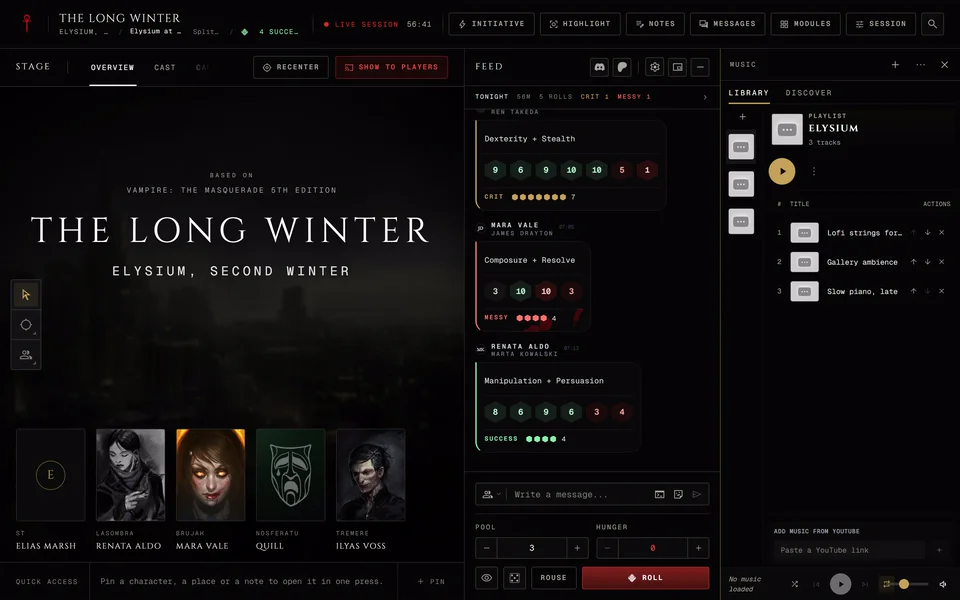
From there you roll and chat in the feed and watch the stage. On a phone the bottom bar has Stage, Sheet, Feed, People and Tools. The Feed cell counts what you haven't read yet.
Raise hand tells the storyteller you want a turn. The table sees your name. The arrow next to it opens the other signals and the safety cards. On a phone the hand in the header opens them as a sheet.
On a computer a few keys work while you're not typing: H raises or lowers your hand, Alt+[ and Alt+] open the side docks and Esc closes whatever is on top. In V5 with a linked character R makes a Rouse Check. V20, Dark Ages and V6 have no Rouse key. Phones have no keys.
Leaving
Leave at the foot of the Session menu takes you out and the session keeps going for the rest. You can join again any time while it's live.
When the storyteller ends the night everyone sees a Session ended card. Players get Note for myself, which saves a note in your notes with this session that only you can read. Unless the chronicle turned it off there's also Write to the storyteller for a word about the night that only the storytellers read. Press Leave session to go back to the chronicle.
Related articles

About this article
- Type
- Guide
- Editions
- All editions
In this article
Need more help?

Ask the team in #ghoulapp-feedback on the Player Companion Discord. Or try #ghoulapp. GhoulApp players are active there and help each other.
Open Discord(New tab)