


Secrets, threats and hooks in Prep

On this page 5
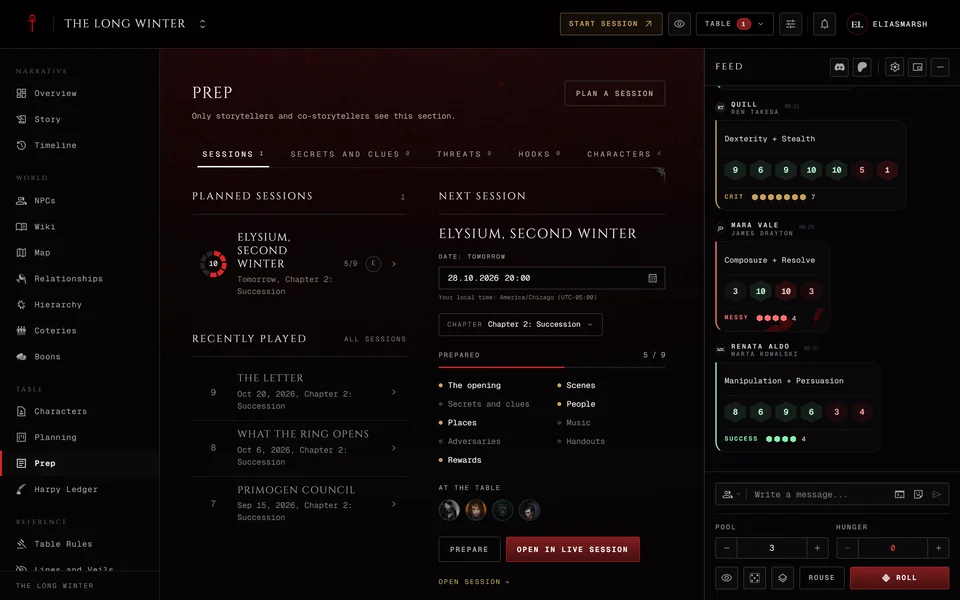
Say the players are a few nights away from learning who really owns the club. That's a secret and Prep keeps it until the moment comes. Four of Prep's tabs work across all your sessions: Secrets and clues, Threats, Hooks and Characters. Getting one night ready is in Prep: get the next session ready.
Like the rest of Prep these tabs are for storytellers and anyone with the Manage planning permission. Players never see them.
Secrets and clues
This is the ledger of things the players might find out. Press New secret and choose its Kind, Secret or Clue. Give it a Title, write The secret and pick what it's Attached to: a character, a person, a place or a storyline. Save adds it.
Each one is In play, Revealed or Retired. Its menu has Reveal, Retire, Put back in play, Edit and Delete.
Revealing one
When the moment comes press Reveal. The form asks four things.
- To is The whole table or Chosen people. If no character in the chronicle has a player yet the form says so.
- What they are told starts as the secret itself. Change it to tell part of it or a version of it.
- This is marks it True, Rumour or False. Players never see this mark. They read only what they're told.
- In session ties it to tonight. Not during a session is for something they learned between nights.
Press Reveal to send it. The row then shows who knows it and what they were told.
A player who learns something about an NPC finds it under Known to you on that NPC's page, in the words you used. You see the same section as What the players know with who was told.
Threats
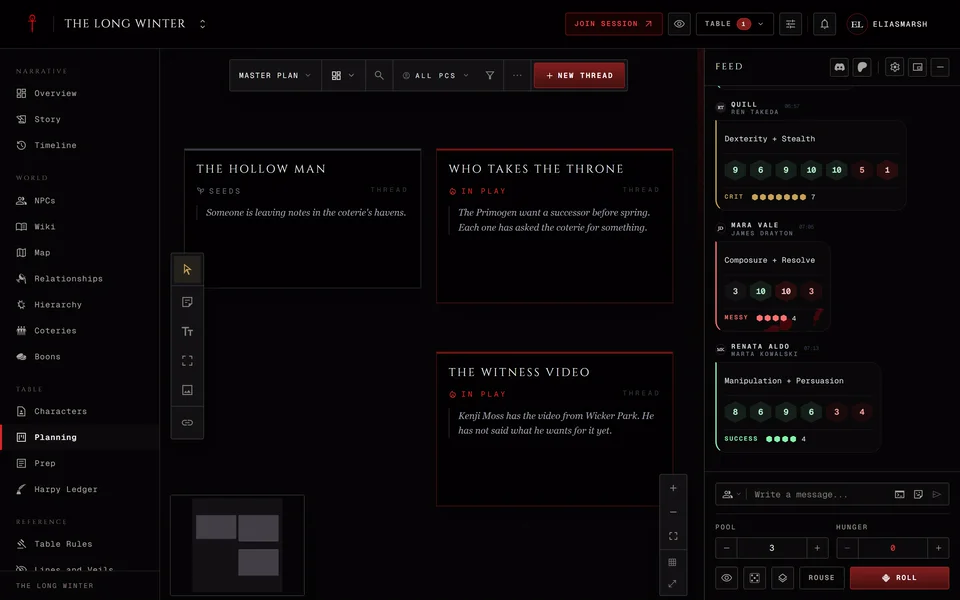
Threats shows the plot threads that carry a clock or a tension of 3 or more. The threads themselves live in Planning. Here you move them along. Open in Planning takes you to the thread.
Tension runs from 1 to 5 with Lower and Raise. A clock has Back one and Advance. After a move you can write Why it moved (optional) in one line and Save it or Skip. History lists every change with the session it happened in. Changes made during play also go in the session log for storytellers only.
Press Pin to the quick bar and the thread gets Advance and Back one buttons in your quick access at the table. Remove from the quick bar takes them off.
Hooks
Hooks collects the hooks from your plot threads and from your characters so you can read them in one place. Add a hook to a character on the Characters tab.
Characters
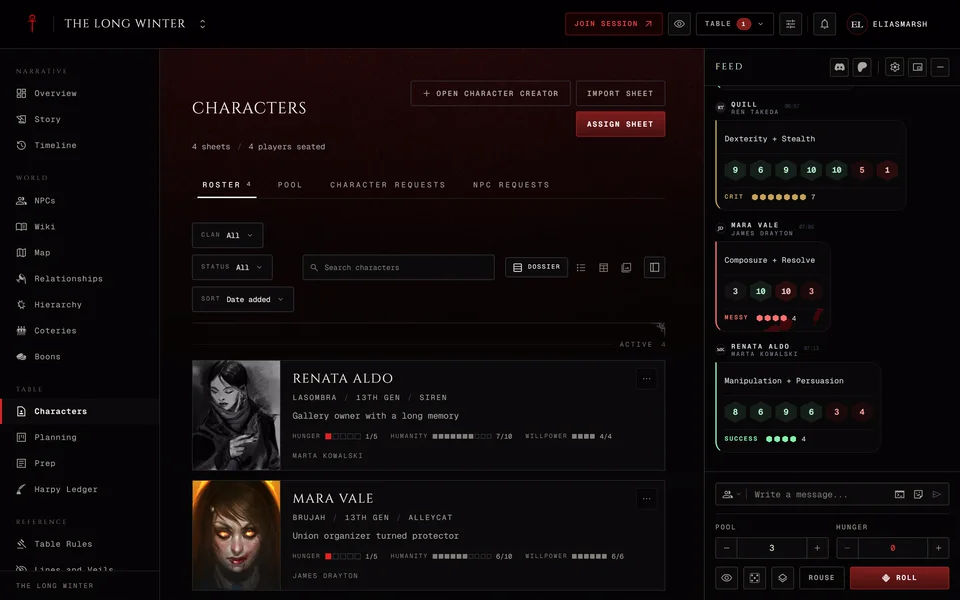
Characters lists each player character with the clan, "Played by" and the player's name and an edition tag. Pick one to see what their sheet says about what drives them. That depends on the sheet's edition.
| Sheet | What you see |
|---|---|
| V5 | Ambition, Desire, Convictions and Touchstones |
| V20 | The Path or Humanity rating, Nature and Demeanor |
| Dark Ages | The Road rating, Nature and Demeanor |
| V6 | Nature, the Humanity Scale and the Code of Honor |
The V6 Humanity Scale reads "Balanced", "toward Mortal" or "toward Monstrous" with a number. A V6 ghoul has no Humanity Scale so it doesn't show. In a Custom chronicle each sheet uses its own edition. If a sheet has none of these filled in the panel says so.
The side of the page has three more parts for that character. Your notes is one private note per character in this chronicle. The player never reads it, at the table or on the sheet. Your hooks for them has Add a hook and Remove hook. In storylines shows the storylines they're part of.
Related articles
About this article
- Type
- Guide
- Editions
- V5, V20, Dark Ages, V6, Custom
In this article
Need more help?

Ask the team in #ghoulapp-feedback on the Player Companion Discord. Or try #ghoulapp. GhoulApp players are active there and help each other.
Open Discord(New tab)