


Lines and Veils


On this page 5
A line is something that doesn't happen in your story at all. A veil can happen but off screen and without detail. Say the table agrees that harm to children is a line and torture is a veil. Nobody describes a torture scene but the story can still say it happened.
Every chronicle has a Lines and Veils page in the sidebar's Reference group. Everyone in the chronicle can open it and the lists can change at any time. Lines and Veils work the same in every edition. A few of the ready-made topics are about vampires, like "Blood Bonds & Thralldom".
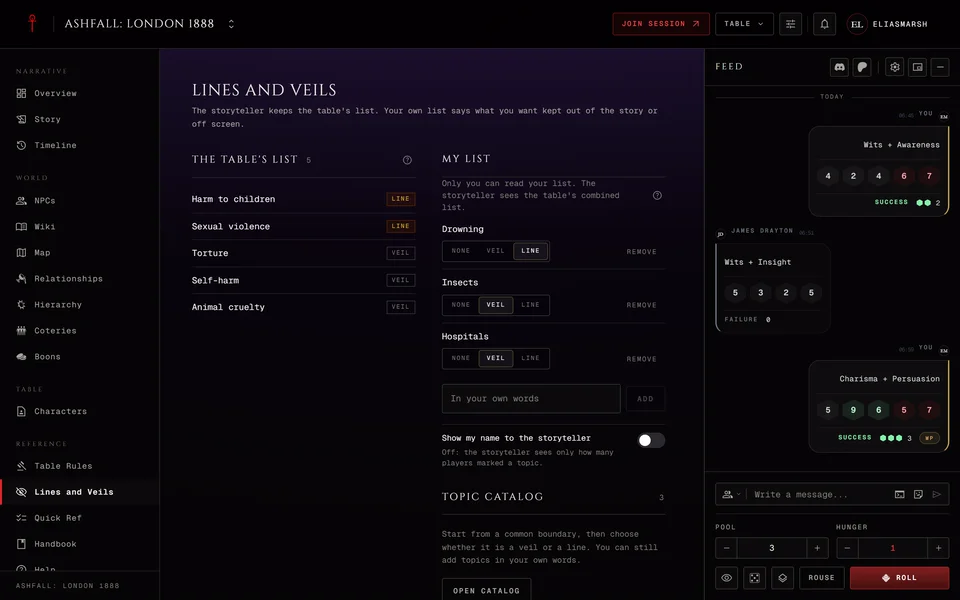
The table's list
This is the list everyone reads. The storyteller keeps it and so does anyone they gave the Manage planning permission. If you set some up when you made the chronicle they're already here.
To add a topic type it in plain words in the box that says "A topic, in plain words" and press Add a topic or Enter. A topic can be 120 characters long. One that's already on the list isn't added twice. A new topic starts as a veil. Each row has a Veil and Line switch to change it and Remove to take it off.
The list holds up to 60 topics. When it's full the catalog tells you to remove one before you add another.
Players see the table's list but can't change it. Anything added since they last opened the page carries a New tag. Observers see the table's list with a short note about what lines and veils are.
Your own list
Players also get My list. It's for the things you want kept out of the story or off screen, even if you'd rather not say so in front of everyone. Only you can read it.
Type a topic in your own words and press Add or Enter. A topic you add starts as a line. You can set each one to Line, Veil or None and remove it whenever you like.
What the storyteller sees
The storyteller never opens your list. They see one combined list of what players marked with how many players marked each topic. By default they don't know who marked what. When two players mark the same topic differently it shows as a line. Topics set to None aren't in it. Neither are the lists of players who left the chronicle.
If you want them to know turn on Show my name to the storyteller and your name shows next to your topics.
Two things can still give you away at a small table. If only one player marked a topic the count says 1. A topic you type yourself reaches the storyteller in exactly your words. If that matters to you pick the topic from the catalog.
Storytellers find the combined list under From the players on the same page. Press Add to table list on a topic to put it on the shared list. A topic that changed since the start of the last finished session is marked Changed.
Prep's Sessions tab and each session's prep page carry a one-line summary, like "Lines and veils: 2 changed since the last session". Press it to open this page.
The catalog
Open catalog has 97 common topics in 13 groups, from "Vampire & World of Darkness" to "Player & Character Boundaries (PvP)". There are groups for violence, death, mental health, relationships and more. Search it or scroll, then set any topic to Line, Veil or None. For a storyteller that adds it to the table's list. For a player it goes on your own list.
The catalog is in English only for now, whatever language the app is set to.
During a session
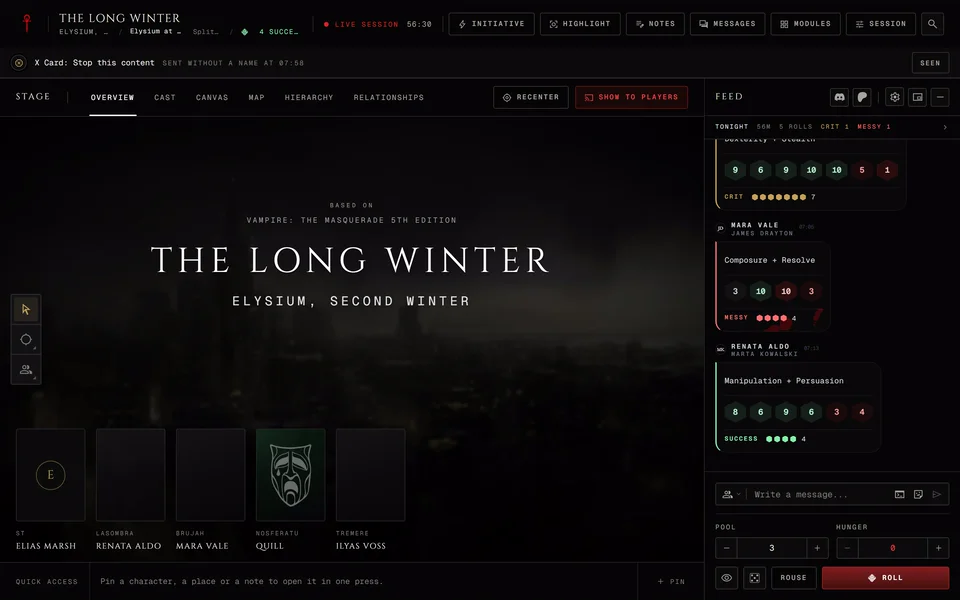
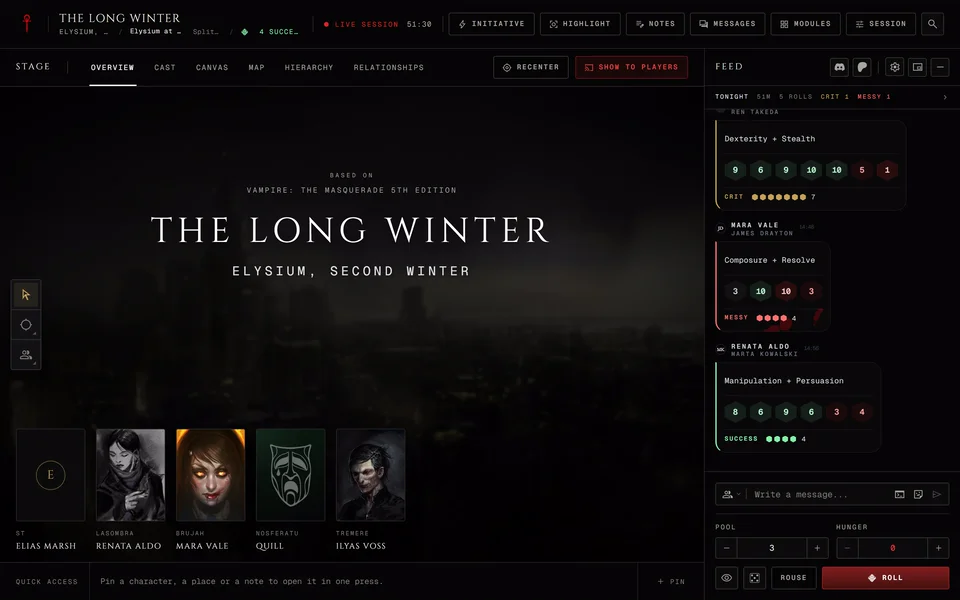
Open the Session menu at the live table and Safety is at the top. Players get My lines and veils with their own list and the table's list in one panel. Storytellers get a Lines and veils row with Open. It counts the topics on the table list and how many changed. You can change any of it mid-game without leaving the table. Observers don't get this section.
The safety cards players send during play have their own article: Send a safety card at the table.
Related articles
About this article
- Type
- Guide
- Editions
- All editions
In this article
Need more help?

Ask the team in #ghoulapp-feedback on the Player Companion Discord. Or try #ghoulapp. GhoulApp players are active there and help each other.
Open Discord(New tab)