


Prep: get the next session ready


On this page 5
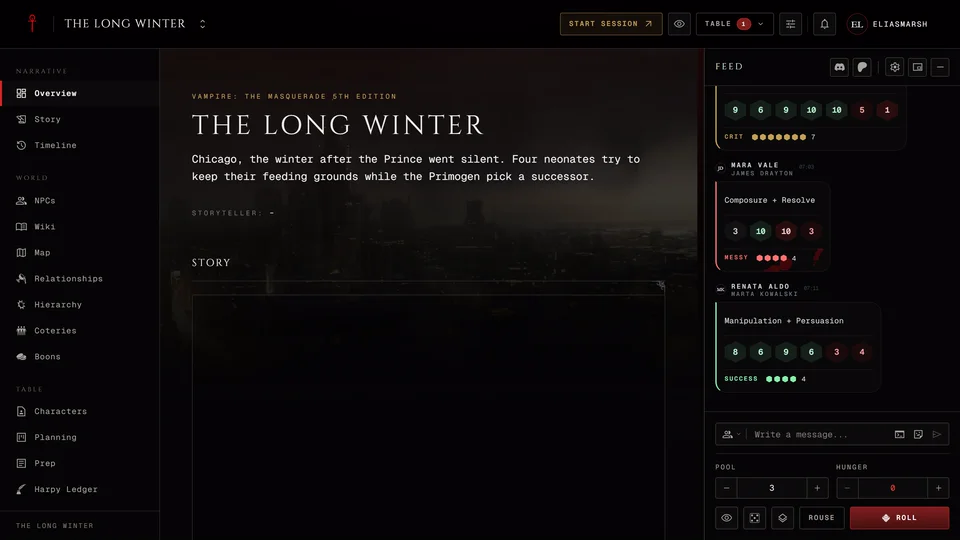
Write down how the next night opens, which scenes you've got in mind and who's likely to show up. When you open the table the people and adversaries you picked are already waiting for you. That's Prep, the storyteller's notebook for the next session.
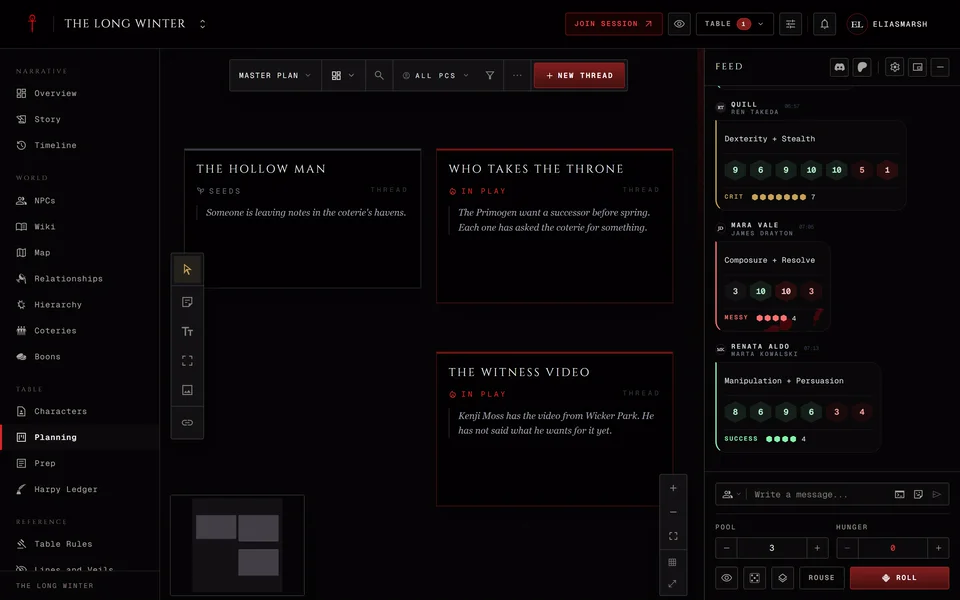
You'll find Prep in the chronicle's sidebar right after Planning. Storytellers see it and so does anyone you gave the Manage planning permission. Players never see any of it. They only learn what you show or reveal at the table.
Prep has five tabs. This article covers Sessions, where you get one night ready. Secrets and clues, Threats, Hooks and Characters work across all your sessions and have their own article: Secrets, threats and hooks in Prep.
Picking the session
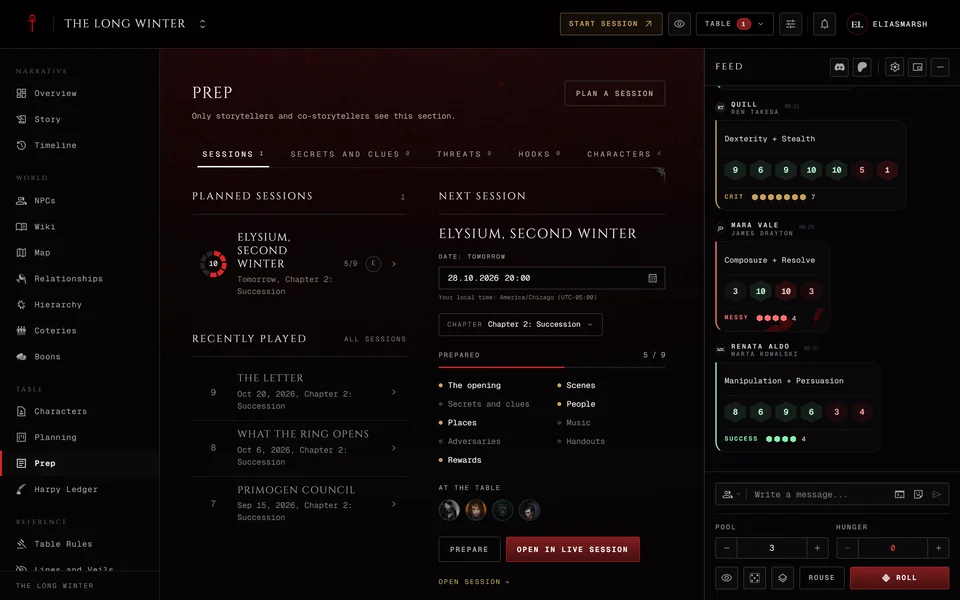
The Sessions tab lists your planned sessions by date, soonest first. A session with no date comes last. Each row shows its number in a small dial, how soon it is and how many of its parts you've prepared, like 3/10. The face of whoever prepared it last sits beside it. Press a row to open its prep page.
Below them Recently played shows the last three nights you played with an All sessions link to Story. If the next night isn't there yet press Plan a session, fill in the form and save. It's added to Story under the current chapter and you come back to Prep.
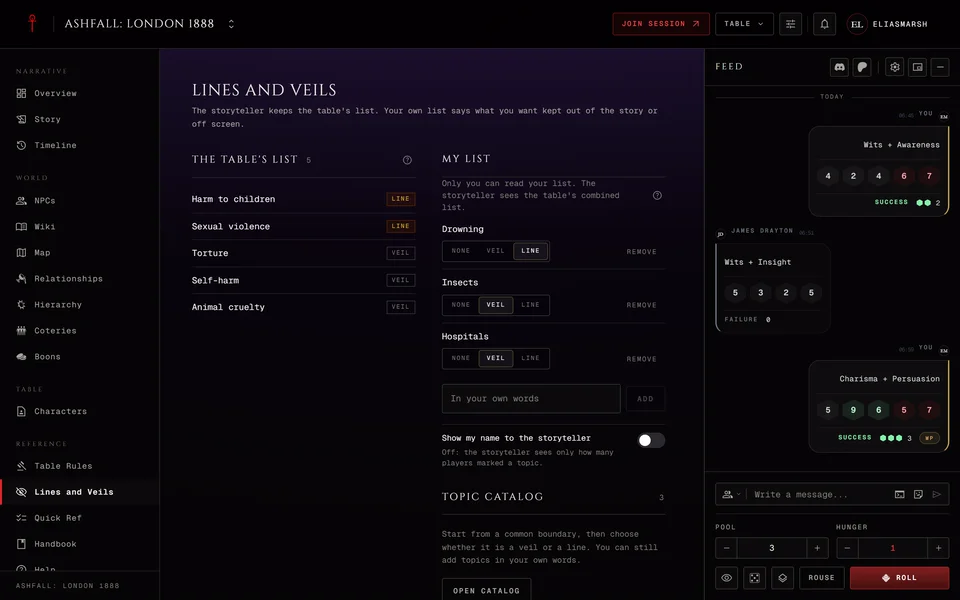
The Next session rail on the right holds the soonest one. You can change its date and its chapter right there. It counts the questions your players sent you, shows a Prepared bar with a dot for each part and the faces of the characters at the table. Prepare opens its prep page and Open in live session takes it straight to the table. A line under it sums up the table's Lines and Veils and opens that page.
The prep page
Every part is optional. The page says so: "Start now works with nothing prepared." On a computer On this page lists the parts so you can jump between them.
- The opening is a short text for how the night starts, up to 4,000 characters.
- Scenes is your rough running order. Each scene gets a title and a note. None of them has to happen.
- Secrets and clues lets you pick the ones you might reveal tonight from the ledger.
- People and Places are the NPCs and locations you expect to need.
- Music is the playlists for the night. Press Playlists to open the table's music library at the side. Make or fill a playlist there and tick Use in this session. Nothing plays from Prep.
- Adversaries are written lines that wait on the table's adversary bench when the session opens.
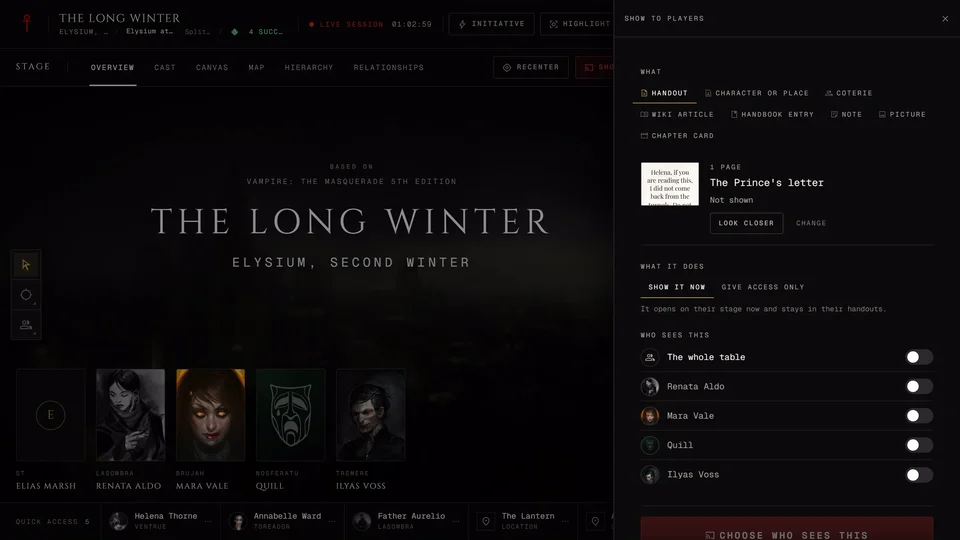
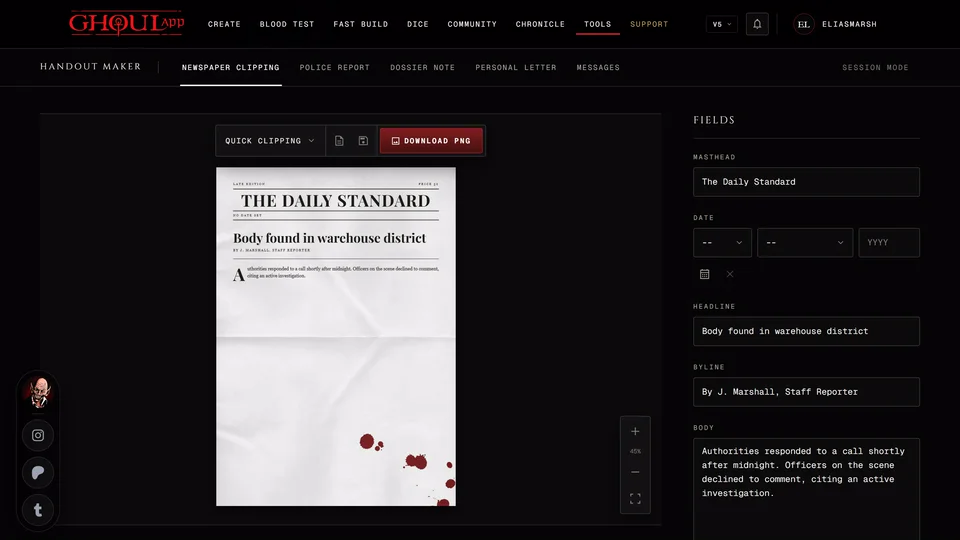
- Handouts are the ones you plan to show. New handout opens the Handout Maker at the side and saves the result to the chronicle. Write a text handout makes a plain one. A handout you save there is picked for the session at once.
- Rewards is where you note XP or Boons you have in mind. Nothing is granted from here. You still do that through the XP window or Boons.
- Questions from players shows what players sent you. Press Answer at the table on one to mark it for tonight.
Open a scene with Edit to add more. Content notes are the topics the scene touches. Pick them from the table's Lines and Veils or type your own. When one is on the table's list the scene says whether it's a line or a veil. It's a reminder only and nothing is blocked. Only storytellers see content notes.
When you show this scene lets you pick a Card, Music and a Handout to go with it. The cards are the presets you saved at the table with Show to players, Card and Save as a preset. Right now these stay with the scene as a reminder. They don't play on their own when you reach the scene. A scene whose pictures add up to more than 4 MB is marked Heavy on phones.
Working with a co-storyteller
A co-storyteller can work on the same page at the same time. The top of the page says who's here, like "Ana is here". When you're alone it says how much is prepared. You can both edit different parts freely. If you both change the same part the later save is refused with a note that the other person changed it a moment ago. Your text stays on screen and See their version shows what they wrote.
Taking it to the table
Press Open in live session on the prep page or the rail. It opens the table in prep: only you can see it and your players see the table at rest with "The storyteller is preparing" and the session's title. You get the same thing from Prepare first on the table's start page, which Start a live session explains.
A gold line at the top reminds you that only you see the table. Set the stage the way you want it, then press Go live and everyone can join. If another session is still live at the table the app asks you to end that one first.
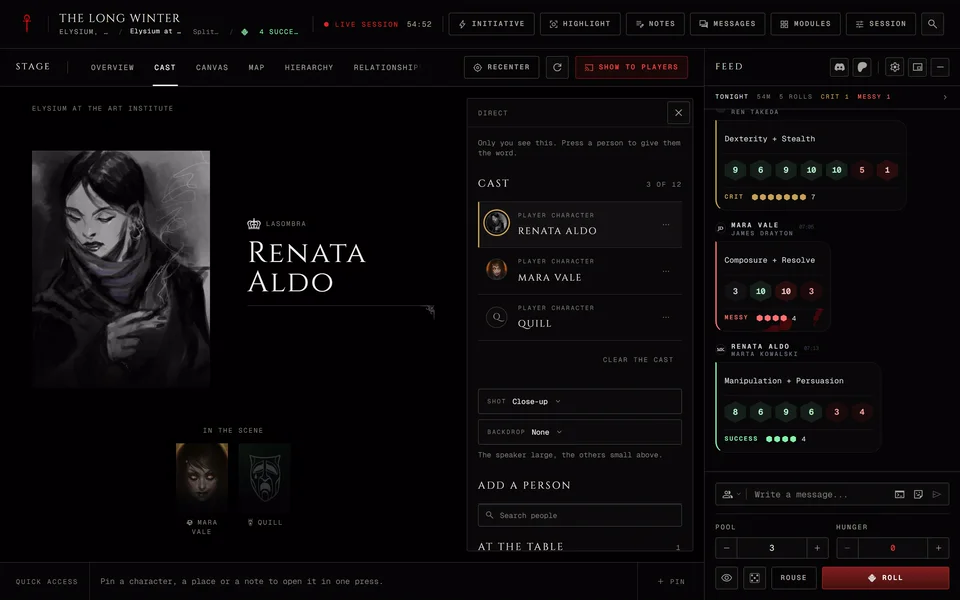
The first time the table opens for you the prep is brought in. The people and places you picked are pinned in your quick access. The adversaries sit on the bench marked From prep. The music and handouts are ready in the music library and the list of things to show players. If you remove one of them at the table it stays removed. The People you prepped also show up when you add faces to the Cast stage.
During play
Open Screen from Modules. Its first tab, Tonight's prep, keeps the page close by. Only storytellers see that tab.
Each scene has a Done box and a menu with Mark skipped or Clear the mark. The head counts how many are done. People have Spotlight to put them in front of the table. Handouts have Show and Show next and once shown they read "Shown at" with the time and who saw it. The secrets list shows which are In play and which are Revealed. Pressing Reveal there opens Prep in a new tab, as does Open the prep page.
Your ticks are saved with the prep, so a co-storyteller sees the same marks. Nothing here reaches the players until you show or reveal it.
Prep works the same in every edition. Only the Characters tab reads what each sheet's edition holds.
Related articles

About this article
- Type
- Guide
- Editions
- All editions
In this article
Need more help?

Ask the team in #ghoulapp-feedback on the Player Companion Discord. Or try #ghoulapp. GhoulApp players are active there and help each other.
Open Discord(New tab)