


Turn order, timer and counters


On this page 6
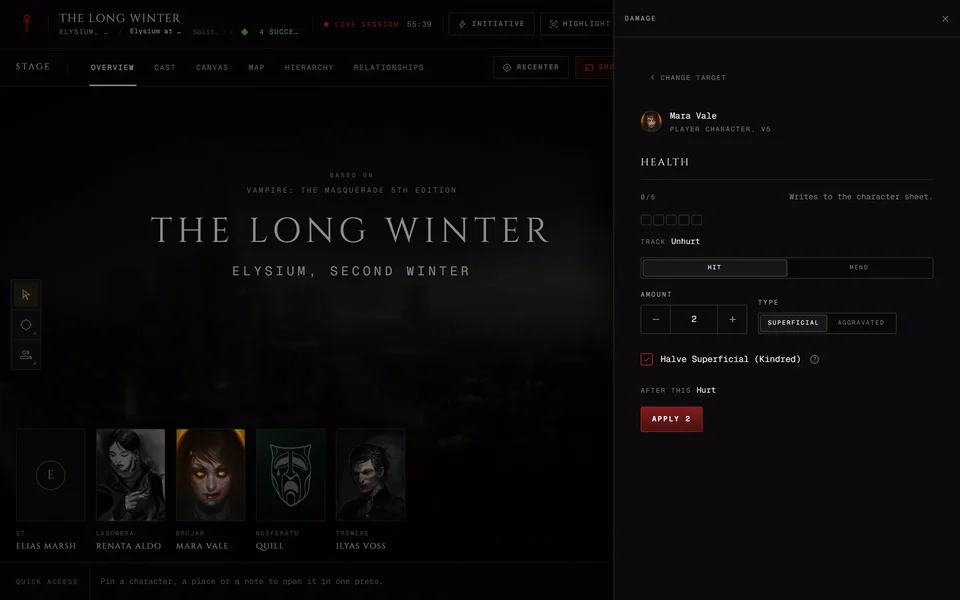
Three tools at the live table keep the scene moving. The turn order says whose turn it is. The timer counts down a speech or a fuse. Counters hold a number everyone shares, like how close the police are. Damage and conditions have their own article: Damage and conditions at the table.
Turn order
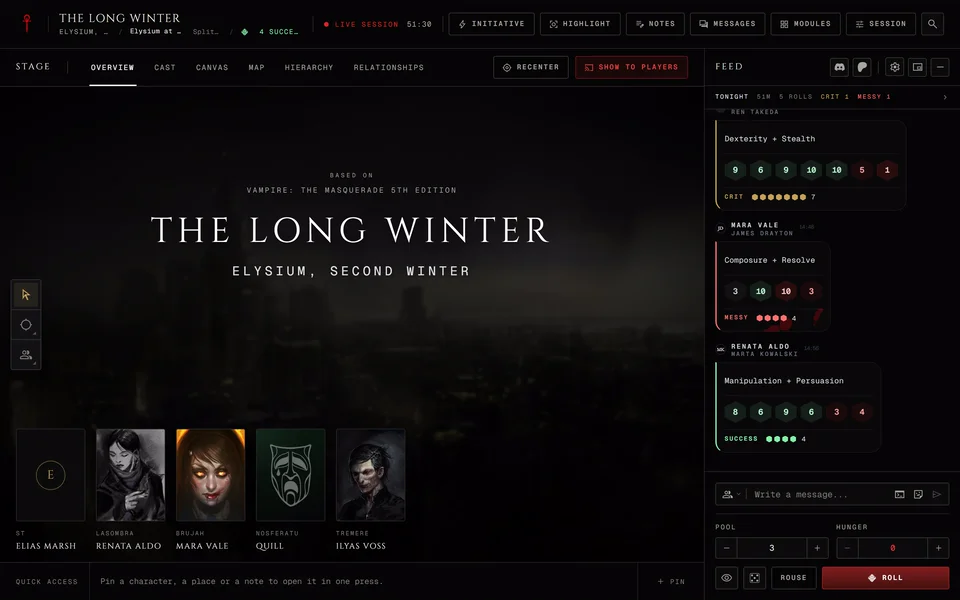
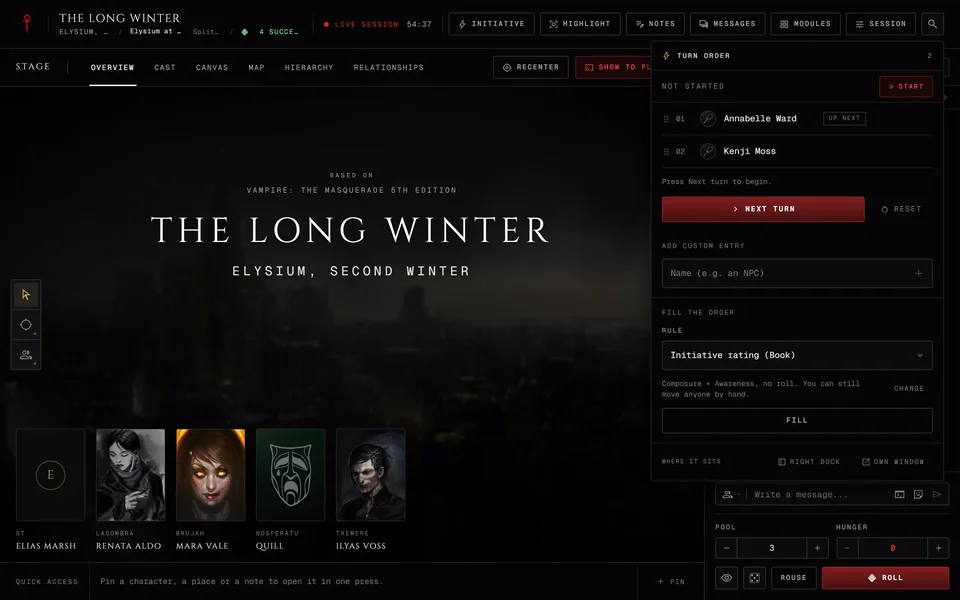
Press Initiative in the header to open the turn order. Players get the button once someone is in the order.
Putting people in
Add people with Add from session or type a name under Add custom entry. The storyteller can drag an entry by its grip or use Move up and Move down. Reset clears the order.
Fill the order sorts everyone for you. Pick a Rule and press the button under it. The rules depend on your chronicle.
| Chronicle | Rules you can pick |
|---|---|
| V5 | Initiative rating (Composure + Awareness, no roll), Social conflict (Wits + Etiquette), Who goes first (you decide), Each sheet's own book, A pool you name |
| V20 and Dark Ages | Roll (Dexterity + Wits + Celerity plus one die each), Each sheet's own book, By hand, A pool you name |
| Custom | Each sheet's own book, By hand, A pool you name, Wits |
Each sheet's own book is for a mixed table. V20 and Dark Ages sheets roll their pool, a V5 sheet takes Composure + Awareness and a V6 player character uses Wits. Wits sorts V6 player characters by Wits, highest first. NPCs stay where you put them. V6 characters play in Custom chronicles, so that's where the Wits rule lives.
A pool you name lets you type the traits like Dexterity + Wits and choose How it counts: Total of the dots (no roll), Dots plus one die or Roll the pool, count successes.
When the rule rolls you choose I roll for them or Ask them to roll. If you ask each player gets a roll request with a Roll button and their result takes its place when it comes in. NPCs roll from their stat block. Hide NPC rolls from players is ticked at first.
Someone the rule can't score lands under No number yet with the reason next to them. Type a number and they move into place. If you leave them they stay at the end.
Running it
Press Start and the round begins on the first entry. The head of the panel says "Round 1" and the current person is marked Now with the next one marked Up next. Press Next turn to move on. The header button reads "Up:" with the name of whoever's turn it is.
End stops the round and keeps the order, so you can start it again later. Conditions set to end after a number of rounds count down as the turns go by.
On a computer players get a small strip under the header with the round, who's on now and who's next. Its arrow opens the whole order. Hide puts it away for that round and it comes back on the next Start.
Where it sits
On a computer the storyteller can move the turn order out of its panel. Where it sits at the foot has Right dock to keep it in the side panel and Own window to open it in a window of its own. On a phone the turn order is in Tools.
Timer
The storyteller starts a timer from Timer under "Time" in Modules. Counts is Down or Up. A countdown takes Minutes (up to 180) and Seconds in steps of 15 and starts at 2:00. Add a short Label like "Speech". Turn on Only me and players don't see it. Press Start.
The timer then shows in the header next to the session's own time, like "Timer 1:30" with its label. The storyteller presses it for Pause or Resume, +1 min on a countdown and Cancel timer. Players see the time without the buttons.
A countdown turns red in the last 10 seconds and stops at 0:00. Nothing posts in the feed when it runs out. A timer never changes the game clock. When the table is paused the timers wait too.
Counters
A counter is a shared number like danger, resources or how much patience the Prince has left. Open Counters from Modules under "People and story". Everyone can open it and see the counters they're allowed to see.
The storyteller presses New counter and fills in the form. The Name takes up to 40 characters. Shown as picks a Track of pips or a Number. Then set Starts at, Lowest and Highest. A Track goes up to 10 and a Number has no upper limit.
Who changes it is Storyteller, Players or Players ask. Who sees it is Everyone, The coterie or Storyteller only. The coterie choice is there when the chronicle has one.
Press Create. A counter players can change has -1 and +1 for them. With Players ask they get Ask to change and read "Asked. The storyteller decides." The storyteller's row menu has Set... to type a value, Pin to the bar to put it in quick access and Delete. A counter keeps its value from one session to the next.
Related articles
About this article
- Type
- Guide
- Editions
- V5, V20, Dark Ages, V6, Custom
In this article
Need more help?

Ask the team in #ghoulapp-feedback on the Player Companion Discord. Or try #ghoulapp. GhoulApp players are active there and help each other.
Open Discord(New tab)