


How V6 dice work
- OzzAuthor and editor

On this page 4
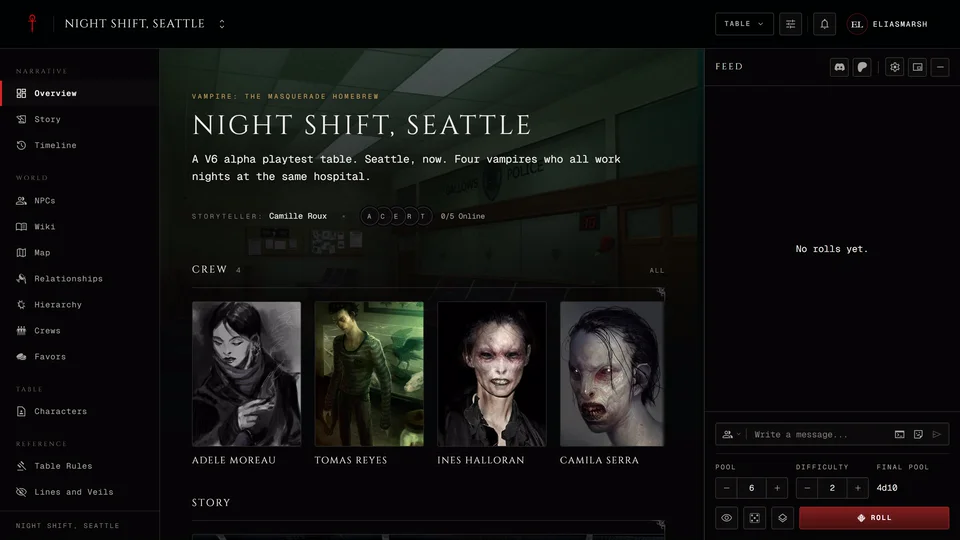
In V6 every die that shows 8 or more is a success. Before you roll the difficulty takes dice out of your pool. So a pool of 6 at difficulty 2 rolls four dice.
V6 is a playtest edition and its rules can still change. Every V6 roll in the feed carries an Alpha tag with a help mark that says so. More about the playtest is in What is V6 in GhoulApp?.
What the dice mean
One success is enough to pass and the feed reads SUCCESS. A 1 doesn't cancel anything. It only matters when nothing succeeded: then the roll is a PAINFUL FAILURE. With no 1 a roll with no success is a plain FAILURE.
Each 10 earns one point of Quickening. Your Quickening can't go past five. Points past five have to be marked on Beast or Nature.
Where you roll V6
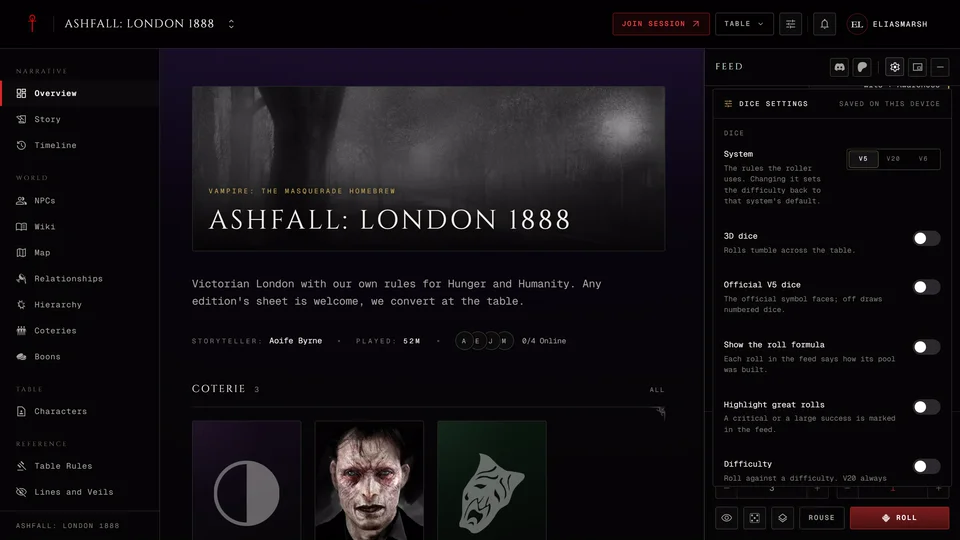
A V6 character can only join a Custom chronicle, so that's the one place the chronicle's tray offers V6. When your bound sheet is V6 the tray starts on V6 by itself. A storyteller can pick V6 under System in Dice settings. Dice in a Custom chronicle explains how the tray picks the edition.
In the tray the Difficulty starts at 2 and runs up to 30. The Final pool under it shows how many dice are left after the difficulty, like "4d10". When nothing is left it turns red and the tray won't roll. V6 has no chance die.
You can turn Difficulty off in Dice settings. Then no dice are taken away and the whole pool is rolled.
What the tray leaves out
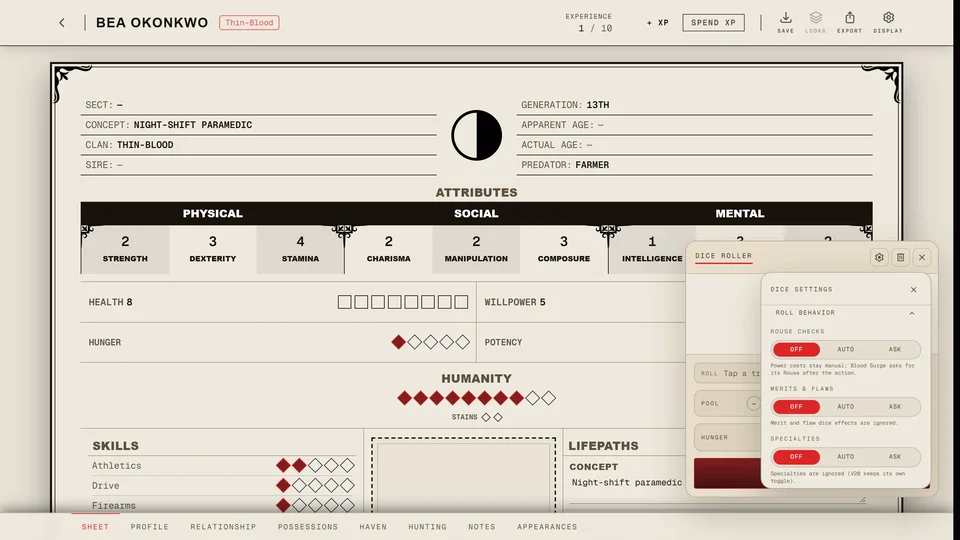
The tray doesn't spend or record Quickening. To add Quickening to a roll or mark the extra points on Beast and Nature use the roller on your sheet. There Quickening joins the pool after the difficulty has taken its dice, so it's never reduced. Roll dice from the sheet explains how.
V6 has no Hunger dice, no Willpower reroll, no frenzy check and no Virtue rolls at the table.
Without a chronicle
The dice roller page has a 6th Edition (Alpha) tab with Quickening. It shows the sum before you roll and asks you to mark Beast or Nature when your 10s push Quickening past five. See The dice roller without a chronicle.
Related articles
About this article
- Type
- Guide
- Editions
- V6
In this article
Need more help?

Ask the team in #ghoulapp-feedback on the Player Companion Discord. Or try #ghoulapp. GhoulApp players are active there and help each other.
Open Discord(New tab)