


The adversary bench


On this page 4
Four ghouls come through the door with crowbars. You don't want four NPC pages for them. You want their dice ready. That's the bench. Open Adversaries from Modules at the live table. It's a storyteller module and players never see it. The Combat layout docks it on the right for you.
Putting opponents on it
Press New adversary and fill in the form.
- Name starts as "Adversary".
- Threat goes from 1 to 5 with an example under it of what that level looks like.
- Health and Willpower each go from 1 to 10. Shuffle spreads the threat's extra points between the two differently.
- Pools has a base pool for anything the opponent has no pool for. Add pool adds a named one like "Claws" with its dice. Each pool takes 1 to 25 dice. The "?" next to Pools explains strong and weak pools.
- How many makes up to 12 at once and numbers them for you, so four ghouls come out as Ghoul 1 to Ghoul 4.
Press Add to the bench (or "Add 4 to the bench" when you make several). Enter sends the form too.
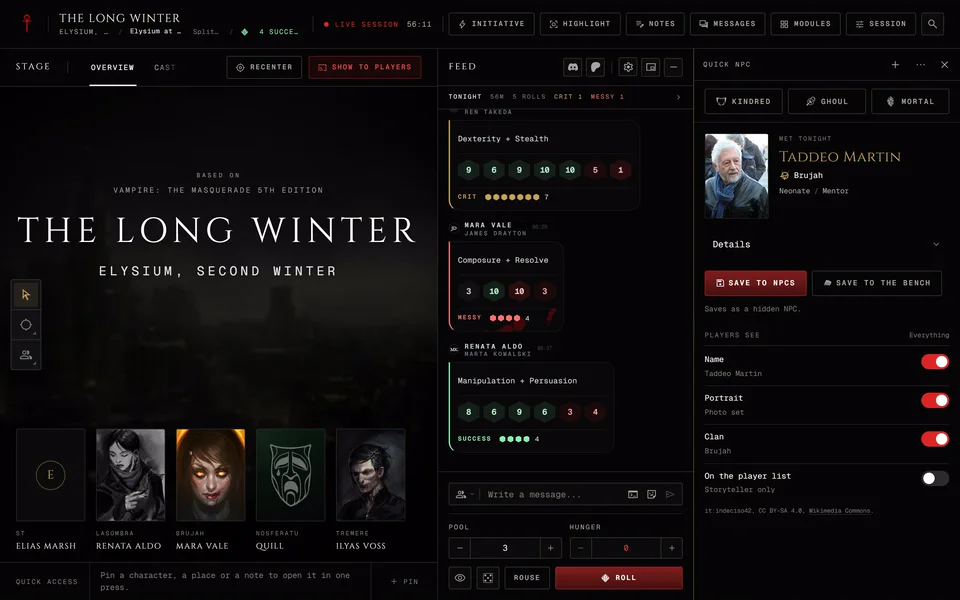
A Quick NPC can join the bench too with Save to the bench. See Roll a quick NPC at the table. Opponents you staged in Prep arrive with a From prep tag. One staged without stats shows a die in place of its threat and says its pools are in the prep notes.
The bench belongs to this session. It follows you to another device and your co-storytellers see it. A new session starts empty. Nothing on it touches your NPC list until you save it.
Damage on the bench
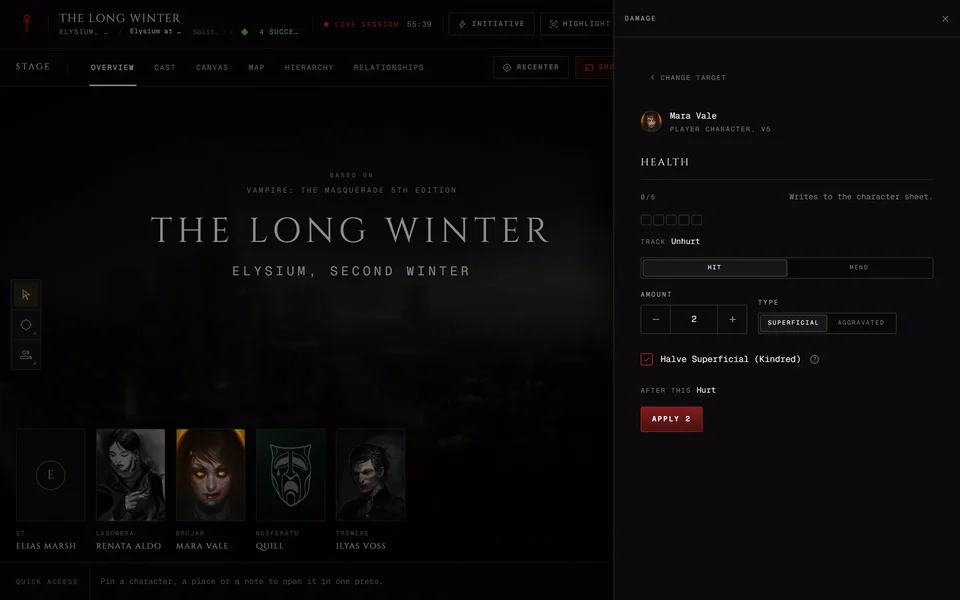
Each row shows the name, the threat, Health, Willpower and the pools. You can rename a row by typing over its name. Press the Health track to open the damage panel and mark damage by kind. Willpower is marked there too.
The kinds follow your chronicle. A V5 chronicle uses Superficial and Aggravated. V20, Dark Ages and Custom chronicles use Bashing, Lethal and Aggravated. V6 characters play in Custom chronicles, so their opponents use the second set. When the track is full the row says Out and the name is struck through.
The row menu
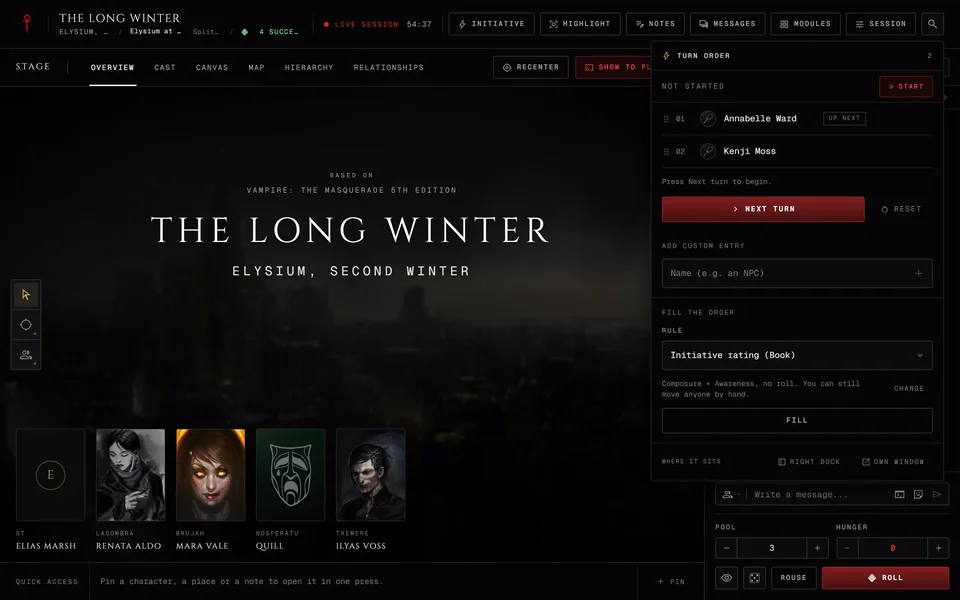
Each row's menu has Add to turn order, Add to cast, Conditions, Save to NPCs, Duplicate and Remove. Adding one to the cast or giving it a condition saves it as a hidden NPC first. A saved row shows a green check and its menu has Open NPC in place of Save to NPCs. On a wide panel Add to turn order and Add to cast sit on the row as buttons.
Rolling for them
Press a pool on an adversary and it goes into the dice tray with the name in the label. It doesn't roll by itself, so you can still change the difficulty or add a modifier. NPC rolls start hidden from players until you show them. NPCs already in your chronicle with saved pools are under Pools in the tray.
For an NPC in the scene the Tracks let you mark Health and Willpower. A V5 vampire has Hunger there too. Those marks carry a Scene only tag. Save to roster writes them to the NPC's page. Damage from the Damage module works the same way, which Damage and conditions at the table explains.
Related articles
About this article

- Type
- Guide
- Editions
- V5, V20, Dark Ages, V6, Custom
In this article
Need more help?

Ask the team in #ghoulapp-feedback on the Player Companion Discord. Or try #ghoulapp. GhoulApp players are active there and help each other.
Open Discord(New tab)