


Search the session


On this page 3
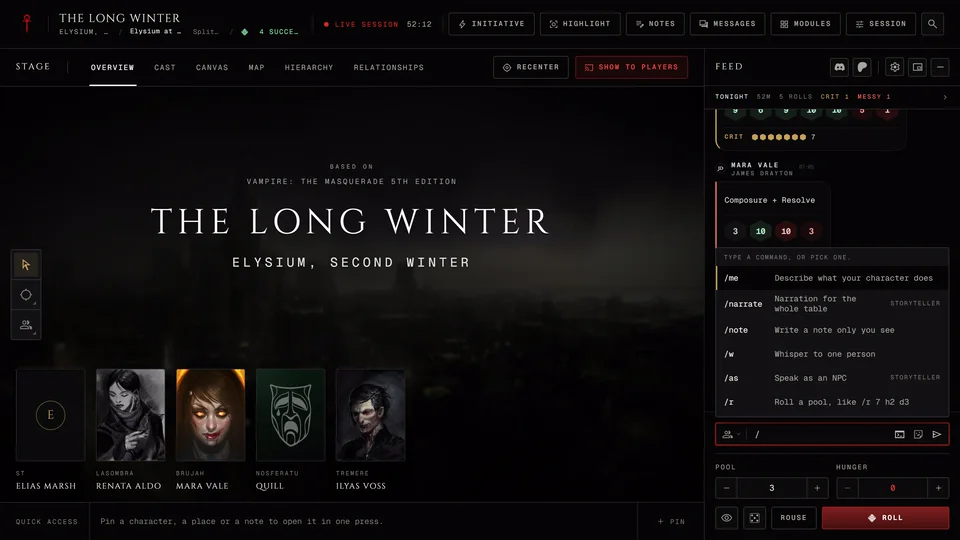
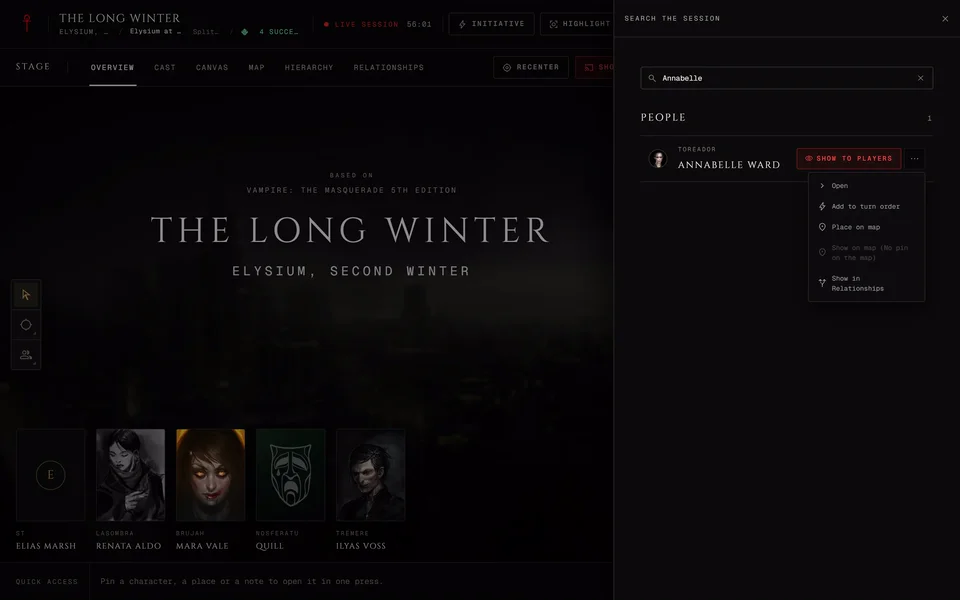
Press Ctrl+K (Cmd K on a Mac) anywhere at the live table or the Search the session magnifier at the end of the header. On a phone it's the first row in Tools. Type a name and the results come up as you type.
What it finds
Results come in groups: People, Places, Modules and for the storyteller Actions. People are the chronicle's characters and NPCs. Players only get the modules that are open to the table. While the box is empty Recent shows your last five picks. They're kept on this device for each chronicle.
Search only finds what you're allowed to see, so a player never turns up a hidden NPC. It doesn't search the chat, notes or rules.
Acting on a result
Each result has a main button and a small arrow with the rest. The main button is the thing you're most likely to want.
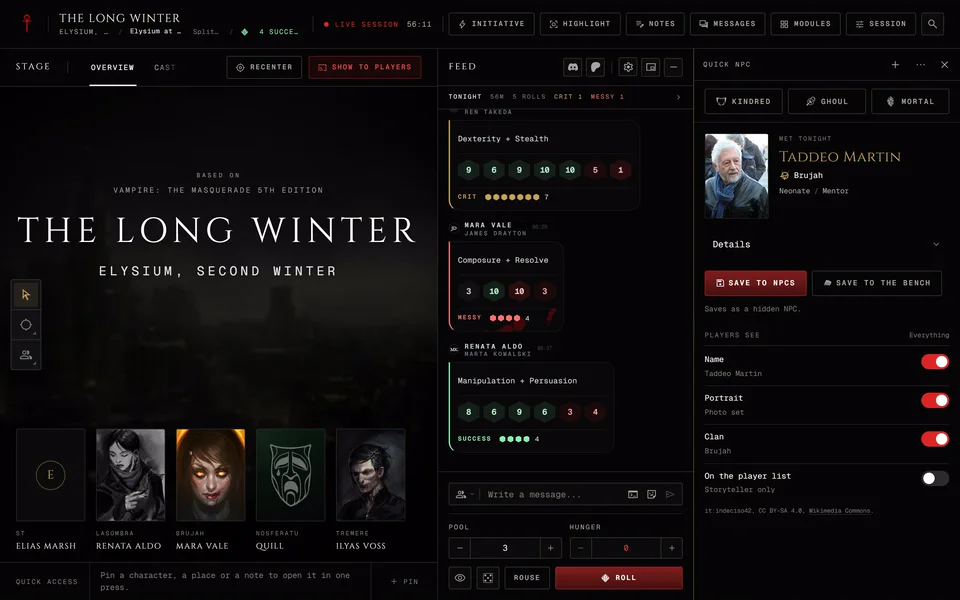
For the storyteller an NPC's main button is Show to players. It puts the NPC in the table's highlight for everyone to see. On a phone that button is an eye. The arrow holds Open, Add to turn order, Place on map, Show on map and Show in Relationships. A player character's main button is Open with the same list behind it.
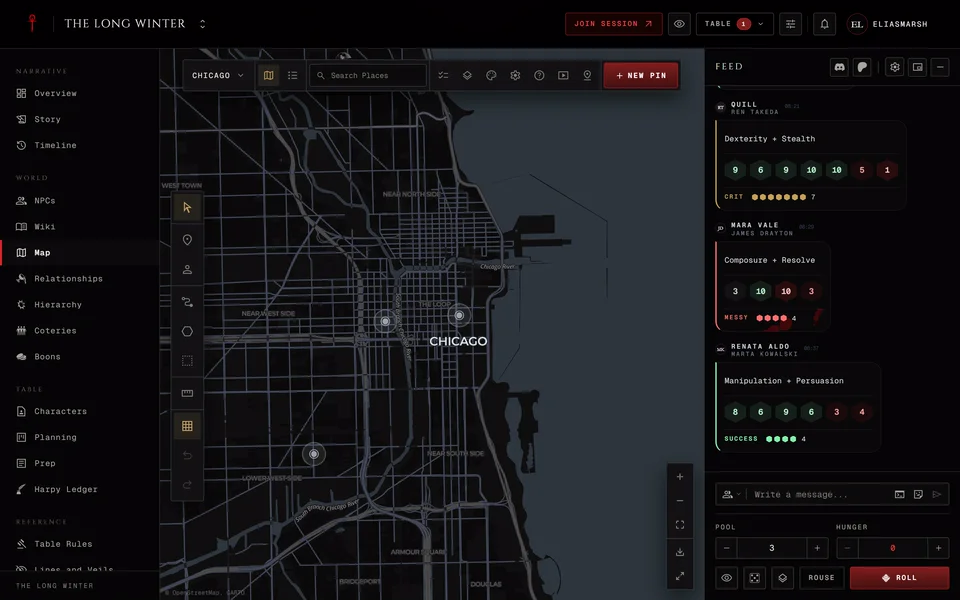
A place's main button is Show on map. Its arrow has Open. A storyteller also gets Show to players there.
Players get Open on a person with Show on map and Show in Relationships behind the arrow.
Some choices are greyed out with the reason beside them. "No pin on the map" means nobody linked a pin to that person yet. "Already on the map" means they already have one. Add to turn order is greyed out for someone who's already in the order.
Actions
The storyteller's Actions group has Next turn and Pause the table (or Resume the table while it's paused). Press Run to do it. Next turn is greyed out while the turn order is empty.
Related articles
About this article
- Type
- FAQ
- Editions
- All editions
In this article
Need more help?

Ask the team in #ghoulapp-feedback on the Player Companion Discord. Or try #ghoulapp. GhoulApp players are active there and help each other.
Open Discord(New tab)