


Vampire, ghoul, revenant or mortal
- OzzAuthor and editor

On this page 5
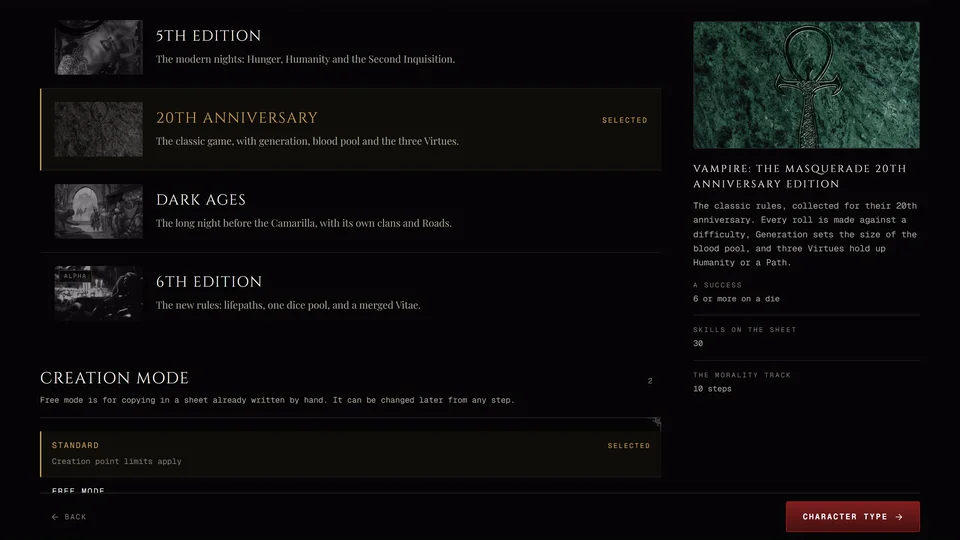
Right after the Era the creator asks what you are. The answer changes which steps you visit, so pick it before you start filling things in. You can change it later, but the creator will ask before it removes anything you chose.
5th Edition, 20th Anniversary and Dark Ages offer the same four types. 6th Edition works differently and is covered at the end.
The four types
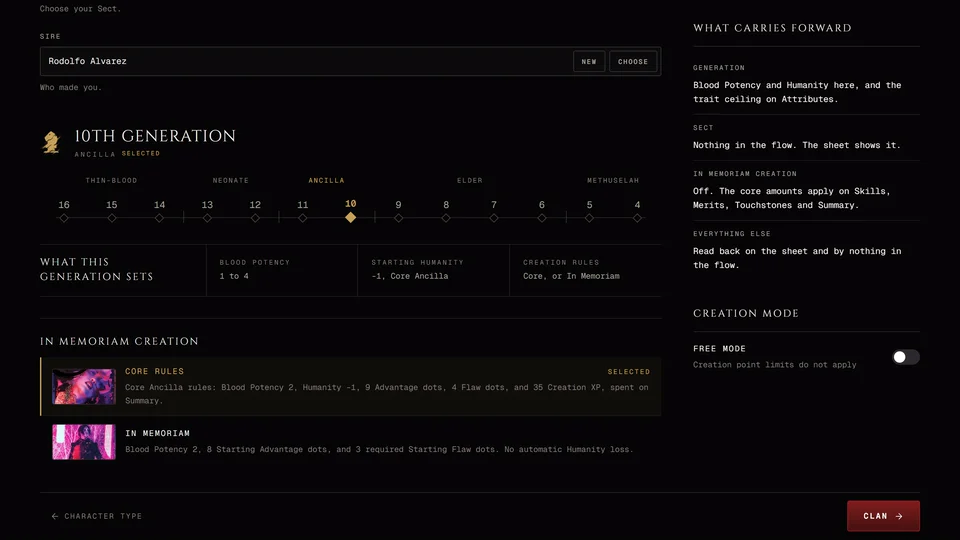
Kindred is a vampire. You get a clan and its Disciplines and the full list of steps. In 5th Edition you also get Hunger, Humanity, Blood Potency and a predator type. In 20th Anniversary and Dark Ages you get a generation and a blood pool. In Dark Ages a vampire also follows a Road.
Ghoul is a mortal kept alive on a vampire's blood and held by a blood bond. You have no Hunger and no generation of your own. You draw on your domitor's clan instead of your own, so the Clan step's heading changes to Domitor's clan.
Revenant is born into a family bred for service. No Kiss made them. The Clan step becomes Revenant family. You take your family's Disciplines and its weakness.
Mortal is a living human with no clan and no Disciplines.
Which steps each type skips
| Type | 5th Edition | 20th Anniversary and Dark Ages |
|---|---|---|
| Kindred | Nothing (12 steps) | Nothing (12 steps) |
| Ghoul | Predator Type (11 steps) | Nothing (12 steps) |
| Revenant | Predator Type (11 steps) | Nothing (12 steps) |
| Mortal | Clan, Disciplines and Predator Type (9 steps) | Clan and Disciplines (10 steps) |
A 5th Edition mortal still has Touchstones and Convictions. Press a row and the side panel shows what that type gets and lists the steps it leaves out under Steps it skips. On a computer hover over another row to read the rest of what it means without choosing it.
Changing the type later
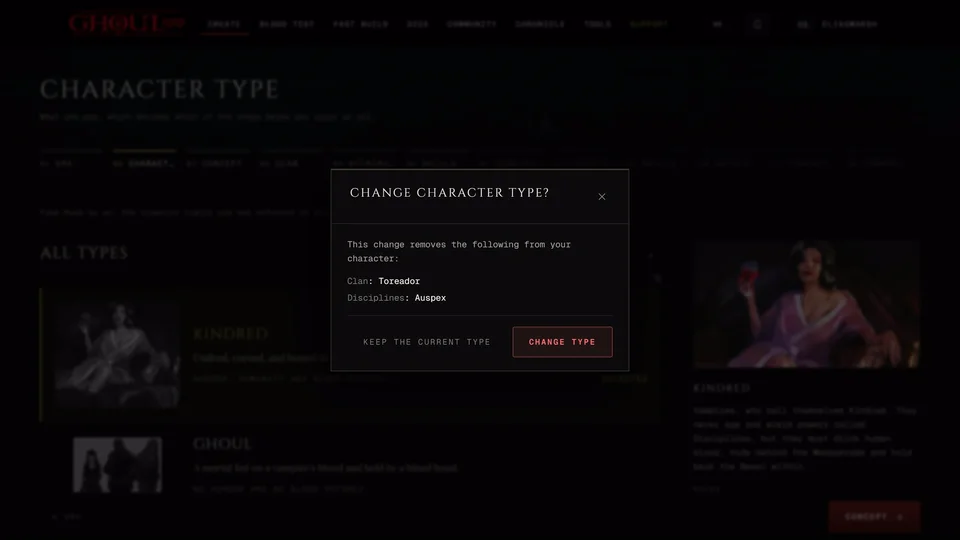
Go back to the Character Type step and pick another row. If the change would remove choices you made a box titled "Change character type?" lists them by name, like the clan, the Disciplines or the predator type. Press Change type to go ahead or Keep the current type to leave everything as it is. Nothing changes until you answer.
The list of steps changes with the type. If it does the strip of steps under the title closes the steps ahead of you again. You walk forward from the type step one step at a time.
In a chronicle
Your storyteller can restrict a type at their table. A restricted row is struck through with a Restricted stamp and the line "Your table restricts" followed by the type's name. See Why the creator says your table restricts something.
6th Edition: creature types
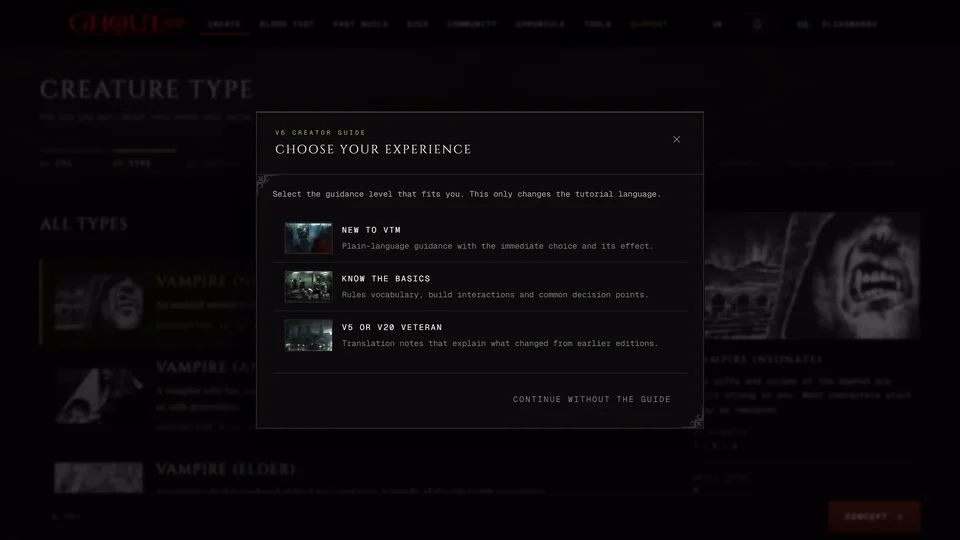
In 6th Edition the step is called Creature type and it asks how old you are. That sets every pool on the steps after it. There are five rows:
| Creature type | Generation | Attributes | Discipline dots | Powers | Lifepaths | Resources | Merits | Clan traits |
|---|---|---|---|---|---|---|---|---|
| Vampire (Neonate) | 11 to 13 | 7 / 5 / 3 | 3 | 4 | 2 | 3 | 1 | 2 |
| Vampire (Ancilla) | 9 to 10 | 8 / 6 / 4 | 5 | 6 | 3 | 5 | 2 | 3 |
| Vampire (Elder) | 6 to 8 | 9 / 7 / 5 | 7 | 8 | 4 | 7 | 3 | 4 |
| Ghoul | none | 6 / 4 / 3 | 1 | 2 | 2 | 1 | 2 | 0 |
| Duskborn | 14 to 16 | 6 / 4 / 3 | 2 | 3 | 2 | 2 | 1 | 1 |
Every creature type gets 8 skill dots on top of its lifepaths. It also gets one more Discipline dot from the sire (a ghoul's comes from their vampire master). The side panel shows these numbers and the highest rating each type can reach.
All five walk the same steps. For a ghoul the Sire step is called Vampire master and asks for the vampire who gave them their powers. Switching to another creature type later asks first. If the new one allows fewer dots than you've placed nothing is removed but the box lists what you'll need to lower before you can go on.
If you don't pick one the creator starts you as a Neonate. See Making a V6 character.
Related articles
About this article
- Type
- Guide
- Editions
- V5, V20, Dark Ages, V6
Need more help?

Ask the team in #ghoulapp-feedback on the Player Companion Discord. Or try #ghoulapp. GhoulApp players are active there and help each other.
Open Discord(New tab)