


Why the creator says your table restricts something

On this page 5
Your storyteller has set Table Rules for the chronicle. They decide what characters at that table can take and how high things can go. The creator reads those rules while you build. When something you picked goes against them it tells you so.
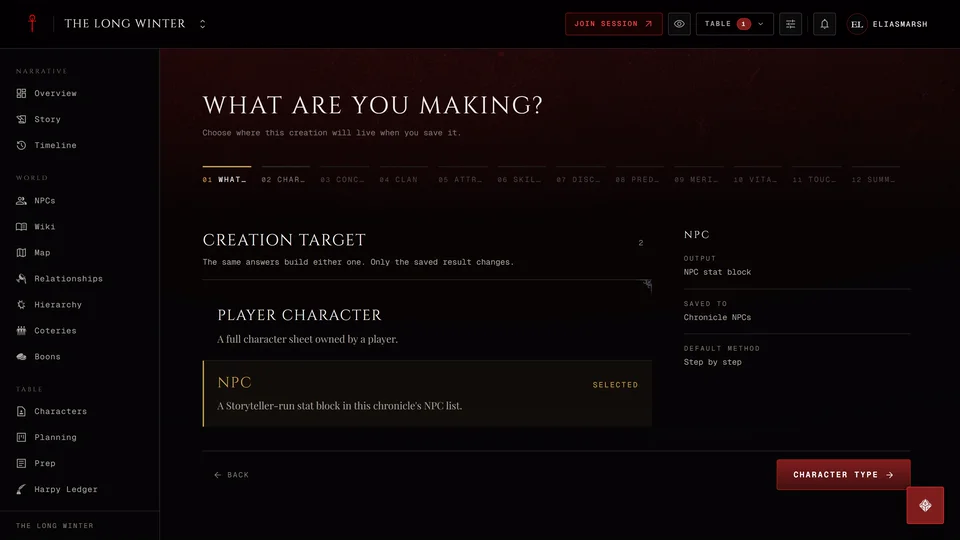
You only meet table rules when you build for a chronicle: either from the chronicle's Open Character Creator button or after picking the chronicle on the Concept step (Identity in 20th Anniversary and Dark Ages). The normal creator with no chronicle has none.
What the messages mean
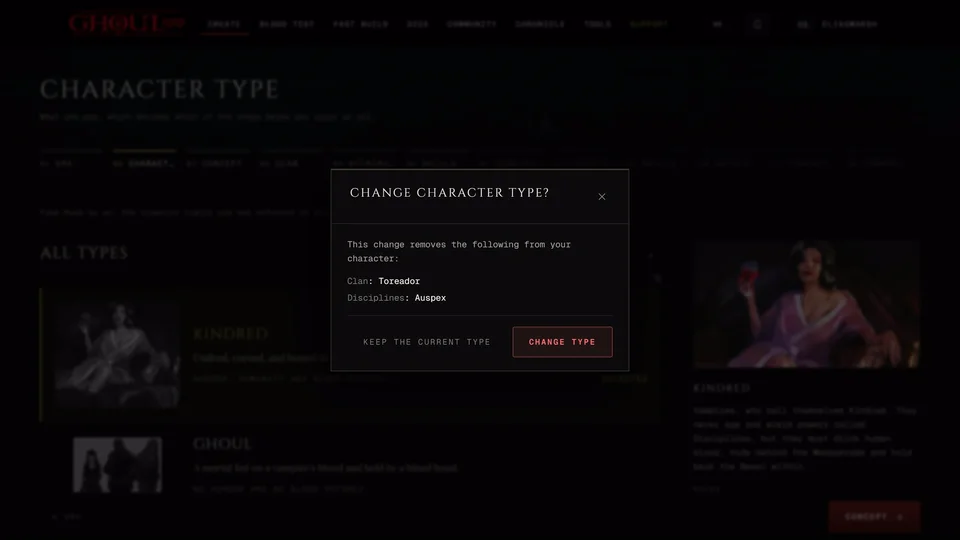
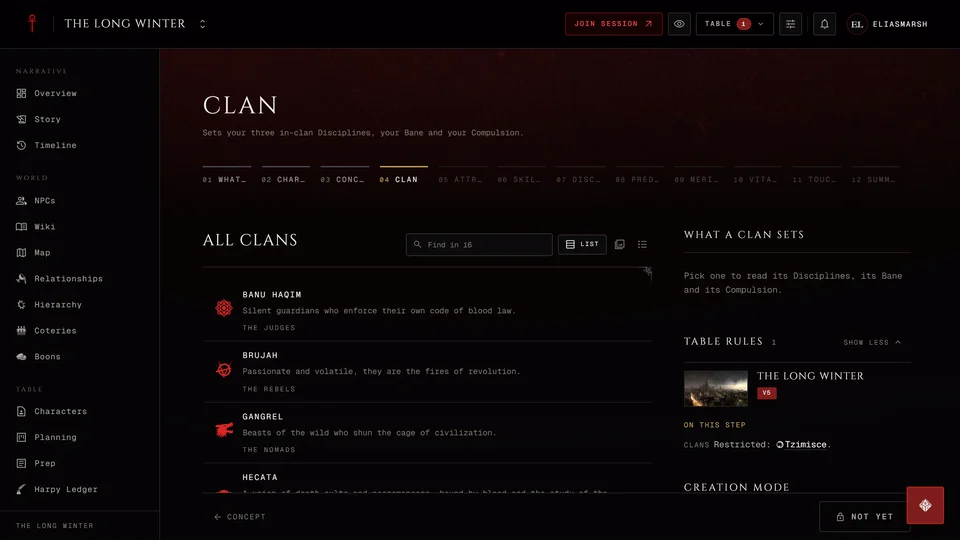
"Your table restricts..." followed by a name means the storyteller has ruled that option out. In a list the row is greyed out. Character types and clans carry a Restricted stamp across their picture and other rows read Restricted by your table. Your storyteller may have added a reason under it.
"Your table advises against..." means the storyteller would rather you didn't. It's still allowed and you can go on.
A message with "over this table's limit" or "under this table's minimum" is about a number. A rating is higher or lower than the table allows, like the highest Attribute or the lowest Humanity. The message gives your number and the table's.
"Generation ... is not one this table allows" lists the generations you can pick. Choose one of those.
Options can also be tagged Suggested. Those are the storyteller's picks for the table and they're only advice.
Why the button says Not yet
Each rule is set to either block the step or only warn. A blocking rule locks the button at the bottom until your character meets it. On a computer hover over the button to see which rule is holding you. On a phone the reason is written above the bar at the bottom. A warning never stops you.
The Summary lists everything that still breaks a blocking rule. Save stays locked until the list is clear.
Reading the rules
The side panel has a Table Rules section with this step's rules first. Press Show all to see the rules for every other step too. On a phone or a narrow window press at the top of the step. It shows how many rules apply to this step and opens the same list. The panel also shows This table's limits and any note your storyteller left for the step under From your storyteller.
The full set is on the chronicle's Table Rules page. Everyone in the chronicle can read it. Only storytellers can change it.
What a table can rule on
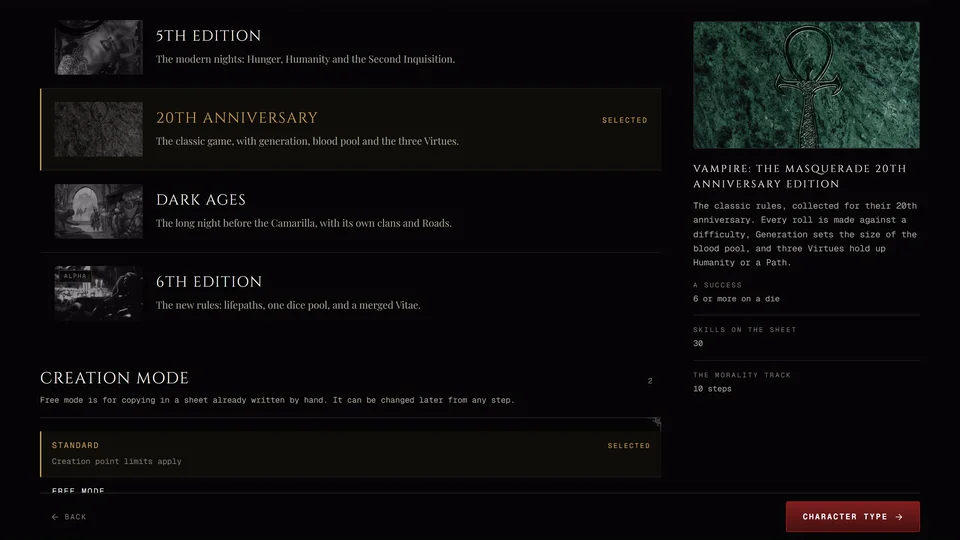
Character types, clans, sects, Paths and Roads, predator types, Skills, Disciplines and single powers, sorcery paths, Merits, Flaws, Backgrounds, Loresheets and generations. In a Custom chronicle it can rule on editions too. A table can also cap ratings and points like the highest Attribute, Skill, Discipline or Background, Merit and Flaw points and freebie points in 20th Anniversary and Dark Ages. It can also set the highest or lowest Humanity and Willpower.
In 6th Edition a table can restrict options, set creation dots and cap Attributes, Skills and Disciplines. Creature types can't be restricted there and there are no table limits for Backgrounds, Flaws, Humanity or Willpower. 6th Edition steps also have no From your table section, the list of traits your storyteller wrote for the chronicle.
Can I get around it?
Not on your own. If you think a rule is wrong for your character talk to your storyteller. They can change it or make it apply only to some players.
Free mode turns off the creator's own limits and the table's limits are no longer checked against your numbers. Restricted options stay greyed out even then. Free mode is meant for copying in a sheet you already wrote, so check with your storyteller before you use it at their table.
A character made before a rule was written doesn't change when the rule is added.
Related articles
About this article
- Type
- FAQ
- Editions
- All editions
In this article
Need more help?

Ask the team in #ghoulapp-feedback on the Player Companion Discord. Or try #ghoulapp. GhoulApp players are active there and help each other.
Open Discord(New tab)