


Drafts: leave the creator and come back

On this page 8
You don't have to finish a character in one sitting. While you build the creator saves your work as a draft. You can pick it up later from your home page or from the creator's first step.
Drafts are kept in this browser only. They aren't in your account even when you're signed in. They don't follow you to another browser or device.
When a draft is saved
You don't need to press anything. The creator saves the draft a moment after each change you make. It also saves when you close the tab or switch away from it and when you open a different draft. A character you haven't touched at all isn't saved as a draft.
If you reload the page while you're in the creator you come back to the same draft.
When you leave the creator a box titled Suspend the Embrace? asks what to do with your work. Enter Torpor keeps the draft. Succumb to Oblivion throws it away. Return to Creation takes you back to the step you were on.
Sometimes the creator shows "Your latest changes are not saved on this device. The browser storage is full or blocked." That means the browser is refusing to store anything. Your work is still on screen but it isn't kept. The leave box says the same thing in its own words. Free up space or allow the site to store data. Or sign in and save the character now.
How many you can have
As many as you like, in any edition, side by side.
Continue a draft
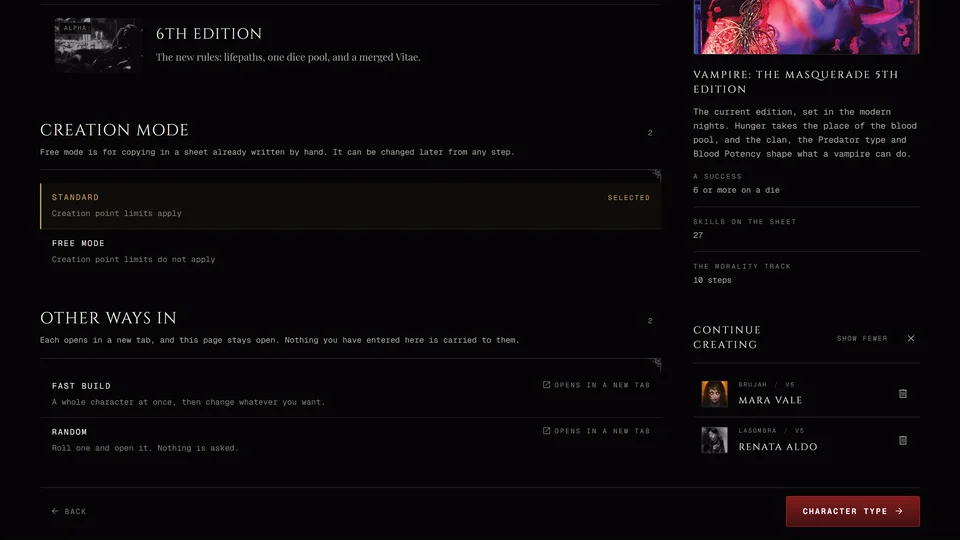
Your drafts are listed in two places. The first is Continue creating on your home page. If you're not signed in it's on the front page. A line under the heading reminds you that unfinished characters stay on this device until you finish or delete them. Each row shows the portrait, the name (or "Unnamed character"), an Unfinished tag, the clan and the edition. The newest is at the top. The first three are shown and a button such as 2 more opens the rest.
The second is Continue creating on the creator's first step. On a computer it's in the side panel. On a phone it's at the bottom of the step. It shows the newest draft and a button such as 2 more for the others. The draft you're working on isn't in this list.
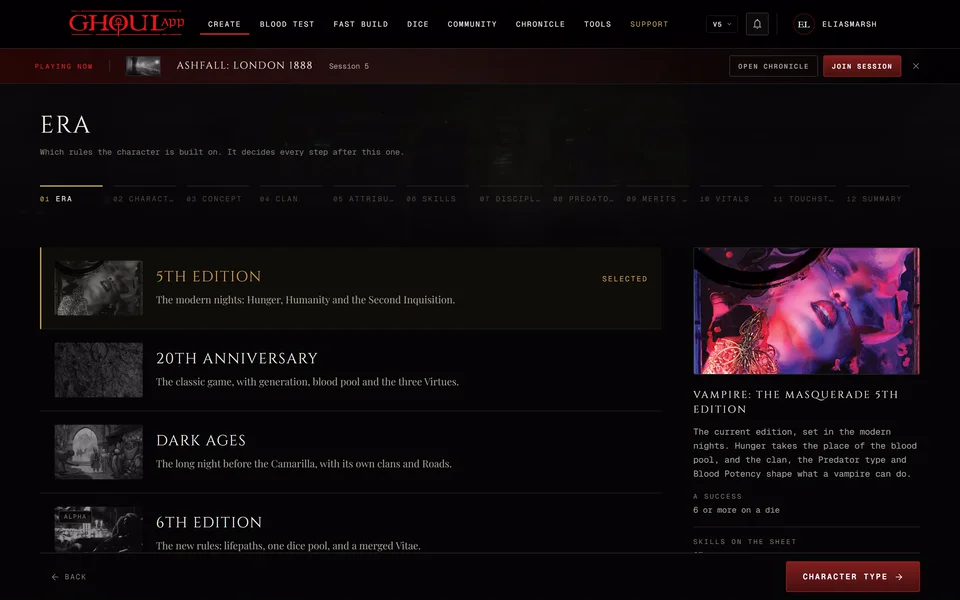
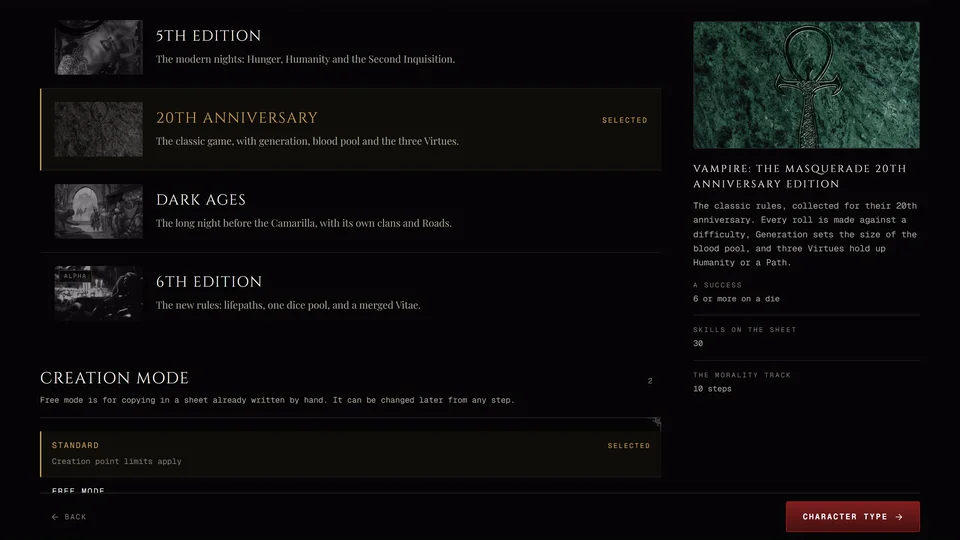
On the home page press Continue or the row itself. In the creator's list press the row. The draft opens in its own edition on the step where you left it. 6th Edition drafts open on the type step.
Close at the top of the creator's list only hides the list for this tab. The drafts are still there and your home page still shows them.
Delete a draft
On the home page press Delete on the row. In the creator's list press Delete on the row. Either way a box asks "Delete this unfinished character?" and warns that it will be removed from this device and can't be undone.
Deleting removes that one draft from this browser. Your other drafts and your saved characters aren't touched.
What ends a draft
Pressing Save on the last step turns the draft into a saved character and it leaves the list. Succumb to Oblivion in the leave box deletes the draft you were working on. Start Over on the Summary also deletes the draft after it asks you. Characters you've already saved aren't touched.
Signing in and out
Say you start a draft without an account and then sign in on the same browser. The draft is offered to you and becomes your account's draft the next time you change it. When you finish it while signed in the character is saved to your account.
A draft that belongs to an account isn't shown when you're signed out or signed in to another account. Sign back in to see it again.
Drafts made in a chronicle
A character you start inside a chronicle has its own draft, kept apart from the rest. It isn't listed on your home page or in the creator's first step. Each chronicle holds one unfinished character for you.
When you go back to that chronicle's creator a box asks "Continue this character?" Continue opens the draft. Start new throws the old one away and starts again. Back to characters leaves without doing either.
One thing to know: if you leave a chronicle's creator while you're still on the character type or concept step the draft isn't kept and no box asks. In a Custom chronicle the same goes for the Era step before them.
Drafts and the old creator
The old creator uses the same drafts if you open it. See Can I use the old creator?.
Related articles
About this article
- Type
- Guide
- Editions
- All editions
In this article
Need more help?

Ask the team in #ghoulapp-feedback on the Player Companion Discord. Or try #ghoulapp. GhoulApp players are active there and help each other.
Open Discord(New tab)