


Make a character for a chronicle


On this page 7
If you're playing in a chronicle, build your character from inside it. The creator then knows which edition the table plays and which rules your storyteller has set. When you press Save the character joins the chronicle straight away.
Start from the chronicle
Open the chronicle and go to its Characters page. Press Open Character Creator at the top of the page. The creator opens inside the chronicle and the chronicle's menu stays on screen. Players, storytellers, co-storytellers and moderators see the button. Observers don't.
If your storyteller has written characters you can claim the first screen asks How to make it. Step by step builds your own. From the chronicle shows the list under Characters to claim. Pick one and the button at the bottom reads "Claim" with that character's name. Either way the character joins the chronicle. See Start from a premade.
The edition comes from the chronicle
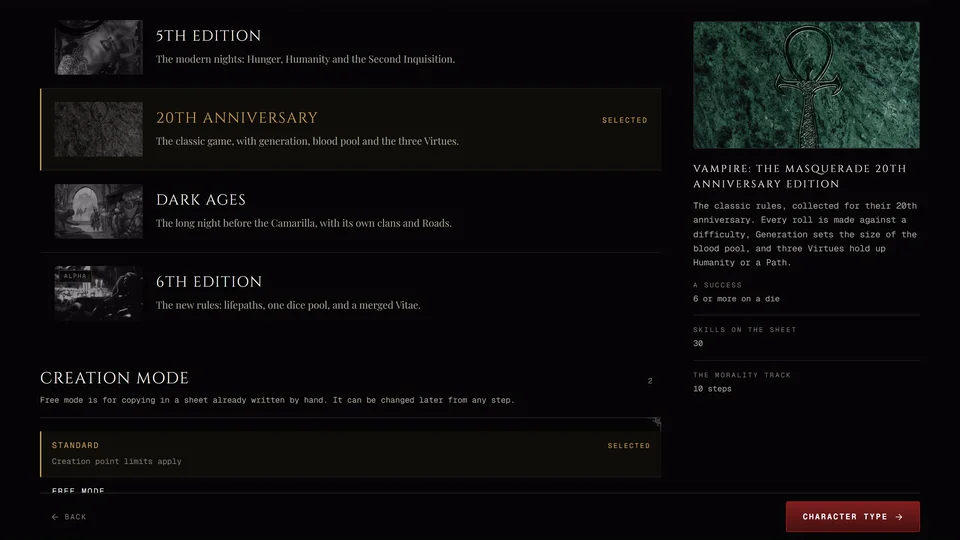
You don't pick the edition. The chronicle's system decides it and the creator skips the Era step. A V5 chronicle builds a 5th Edition character, a V20 chronicle a 20th Anniversary one and a Dark Ages chronicle a Dark Ages one.
A Custom chronicle is the exception. It shows the Era step and lets you pick any edition, 6th Edition included. Your storyteller can close some editions at the table. A closed one reads Closed at this table with the storyteller's reason and can't be picked. There are no 6th Edition chronicles, so a 6th Edition character can only join a Custom one.
What's different from the normal creator
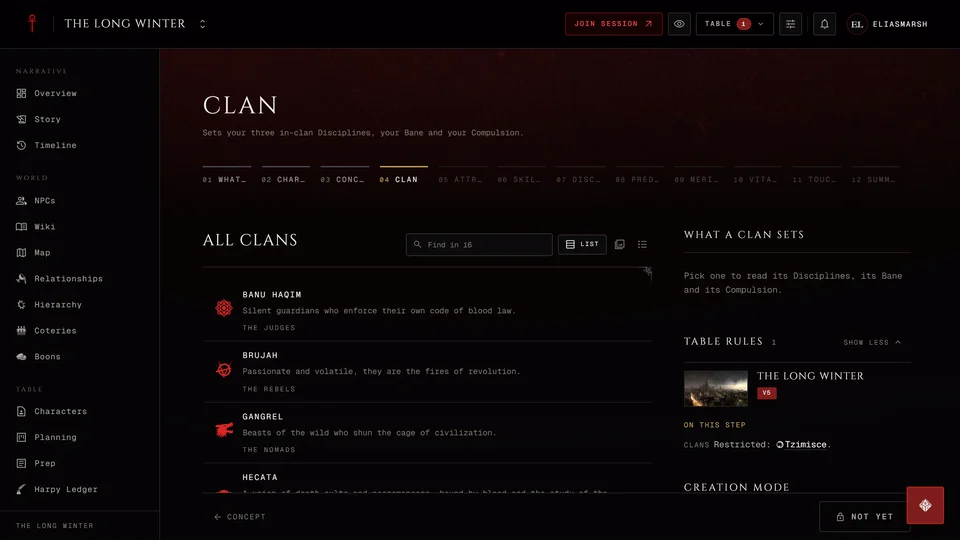
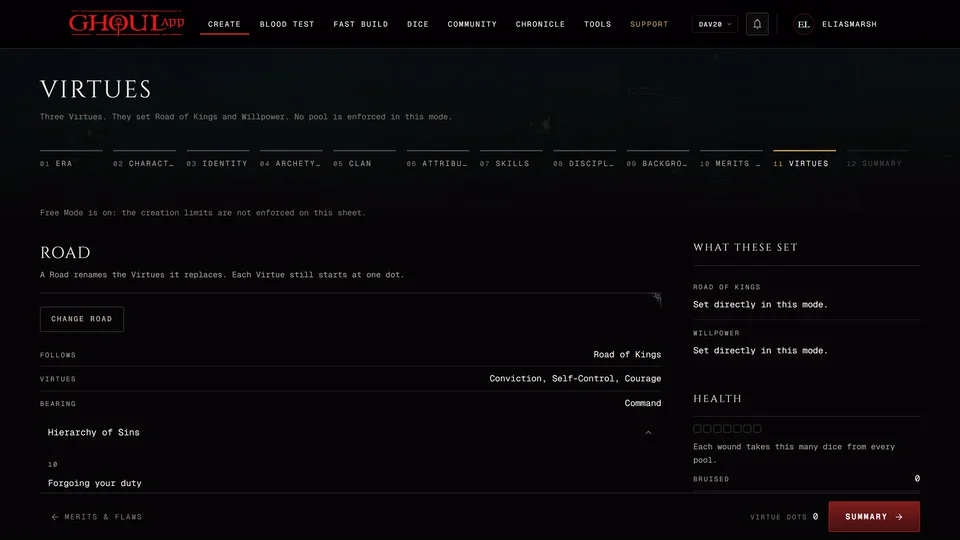
The table's rules apply. Options your storyteller has restricted can't be picked and the creator holds a step until it meets the table's limits. The side panel starts with anything your storyteller wrote to you under From your storyteller, then This table's limits, then a Table Rules band that lists the rules for this step and opens to show the whole table. On a phone or a narrow window the band moves to a Table Rules button at the top of the step. It shows how many rules touch this step and opens the same list. See Why the creator says your table restricts something.
Clans your storyteller wrote show up in the Clan list with the books' clans. Their own Disciplines, Merits, Flaws, skills and the like sit in a section called From your table on the step they belong to. Press Take to add one to your sheet. It's marked as the table's. 6th Edition characters don't get table content.
You can't write your own homebrew here. Inside a chronicle the "create your own" buttons are for the storyteller only. Use what the table offers or ask your storyteller to add what you need.
When you name your sire or a touchstone you can make them as a new person in the chronicle. They're saved as one of the chronicle's NPCs and linked to your character. If your storyteller approves new people first the field offers Send for approval and the person goes to them when you save.
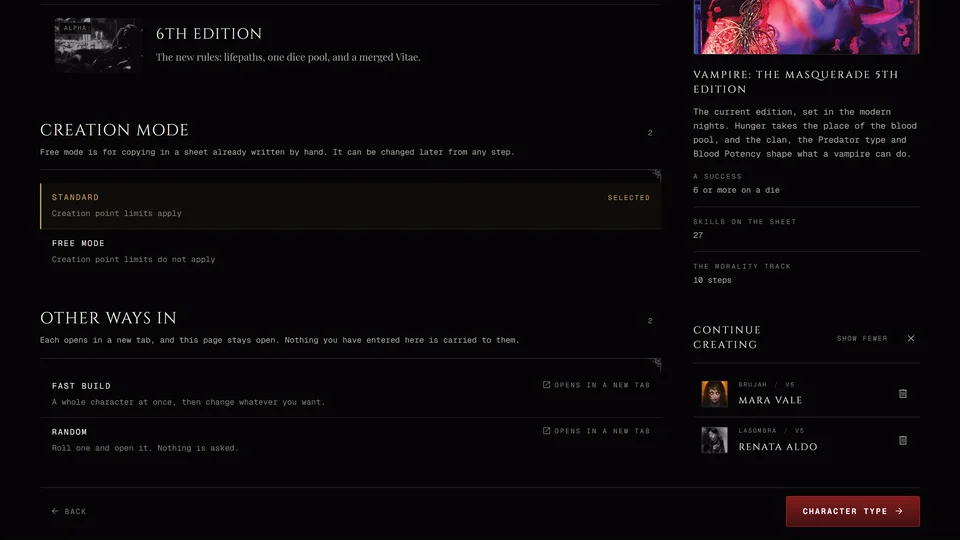
The Era step in a chronicle doesn't show Fast Build or Random.
Storytellers: player character or NPC
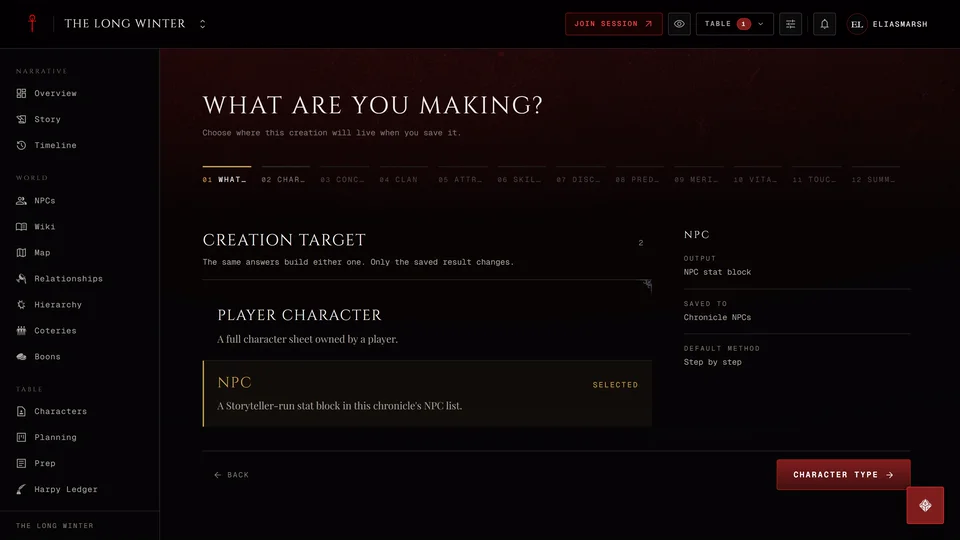
If you can manage NPCs in the chronicle the creator first asks What are you making? A Player character is a full character sheet owned by a player and it's saved to the chronicle's characters. An NPC is saved to the chronicle's NPC list. The side panel says where each one goes.
The same steps build either one. An NPC gets every trait a full character has and is saved as its NPC stat block, so its dice pools come from those traits. NPCs can't be built in 6th Edition yet: the row is closed with "V6 NPC stats are not supported yet."
Saving
Press Save on the Summary. The character is saved to your account and joined to the chronicle at once, then its sheet opens in the chronicle.
If your table asks for reviews the Summary says "When you save, your storyteller is asked to review this character." Your storyteller then gets a request to look it over. The character is in the chronicle either way.
Leaving halfway
The chronicle keeps one unfinished character for you. If you click away to another part of the chronicle the creator asks whether to keep your work first. When you come back a box asks "Continue this character?" Continue picks it up where you left it. Start new throws it away and starts again. Back to characters leaves it as it is and takes you back to the Characters page.
If you leave while you're still on Character Type or the Concept step nothing is kept, in any edition. See Drafts: leave the creator and come back.
Joining a chronicle from the normal creator
You can also start from Create and pick the chronicle later. On the Concept step (Identity in 20th Anniversary and Dark Ages) the Chronicle field searches your chronicles. Pick one and its rules apply from then on. Save joins the character to it. A chronicle that takes another edition is marked with the edition it takes. You need to be signed in for this. The field also lets you write in a table that isn't on GhoulApp.
Related articles
About this article
- Type
- Guide
- Editions
- V5, V20, Dark Ages, Custom
In this article
Need more help?

Ask the team in #ghoulapp-feedback on the Player Companion Discord. Or try #ghoulapp. GhoulApp players are active there and help each other.
Open Discord(New tab)