


Custom backgrounds, loresheets and lifepaths
- Lithaner555Author
- OzzEditor


On this page 9
When the books don't have what your character needs you can write it yourself. Everything you write this way belongs to that one character. It's saved on its sheet and isn't offered to your other characters.
| What | 5th Edition | 20th Anniversary | Dark Ages | 6th Edition |
|---|---|---|---|---|
| Background | yes | yes | yes | no |
| Merit or Flaw | yes | yes | yes | Flaw only, on Concept |
| Loresheet | yes | no | no | no |
| Predator type | yes | no | no | no |
| Sorcery path | no | yes | yes | no |
| Lifepath | no | no | no | yes |
| Clan | yes | yes | yes | no |
| Skill or Ability | yes | yes | yes | no |
In a chronicle
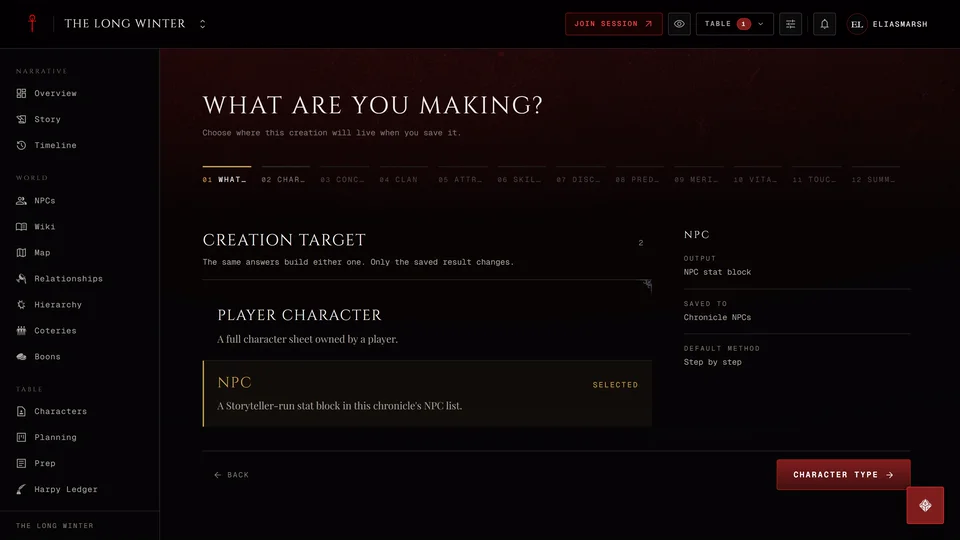
When you build from inside a chronicle these buttons are for the storyteller only. Players take the table's own content instead from the From your table section on each step. That content is written once by the storyteller and offered to everyone at the table. See Make a character for a chronicle.
Backgrounds
In the 5th Edition creator go to Merits & Flaws and press Write your own under Backgrounds. Give it a Name, set its dots (up to 5), add a Description if you like and press Add Background.
In the 20th Anniversary and Dark Ages creator the Backgrounds step ends with a Custom row. Write the Background name, an optional description, set the dots and press Add. Two Backgrounds can't share a name.
On the sheet in 5th Edition, 20th Anniversary and Dark Ages you can add one later from the Backgrounds section with Add custom. The pencil next to a custom Background lets you rename it or change its description.
Merits and Flaws
The Merits & Flaws step has its own Write your own under the lists. Choose Merit or Flaw first. Then give it a Name, pick a Category, set its value and write a Description. Here the description is required because it's the only place the rule is written down. The button at the end reads Add Merit or Add Flaw. A Merit costs dots from the same pool as the book's Merits and a Flaw counts the same as a book Flaw.
In 5th Edition the value is in dots and you can start a new category of your own. In 20th Anniversary and Dark Ages the value is in points up to 7. The category comes from a fixed list.
In 6th Edition every Flaw is one you write yourself in your own words on the Concept step. There's no Merit of your own there.
Loresheets (5th Edition)
In the creator's Merits & Flaws step open the loresheets and press Add custom loresheet. On the sheet the loresheet list has the same Add custom loresheet button.
The Custom Loresheet window asks for:
- Loresheet name, which no other loresheet can use.
- What it represents, optional.
- Up to five levels. For each one write what the dot does or leave it blank to skip that level. A level can also grant a Background, a Merit or a Flaw.
- Press Create.
You need a name and at least one level. Each level costs its level in dots like any loresheet. Mortals can't take loresheets.
Predator types (5th Edition)
Under the Predator Type list press Create your own predator type. It's a feeding niche of your own with the Disciplines, specialty and bonuses it grants. Once it's chosen the button reads Edit followed by its name so you can change it later.
Sorcery paths (20th Anniversary and Dark Ages)
Where the Disciplines step asks for a sorcery path, the list ends with a Write your own button followed by that sorcery's word for a path. A path you wrote has an Edit and a Delete on its row.
Lifepaths (6th Edition)
On the creator's Lifepaths step press Create your own Lifepath. The window asks for:
- Lifepath name, like "Investigative Journalist".
- Description, which is required.
- Exactly 5 Skills out of the 13.
- Exactly 3 Resources.
Press Create Lifepath. It's added to your chosen lifepaths if you still have room, with a Custom tag and an Edit button on its row. A custom lifepath is a mortal lifepath. You can make one only in the creator. The sheet has no button for it.
Clans
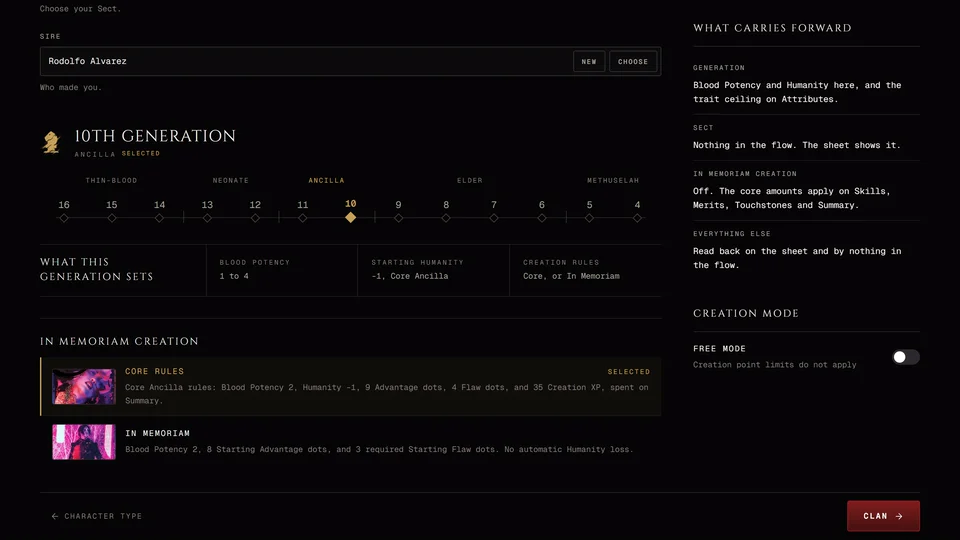
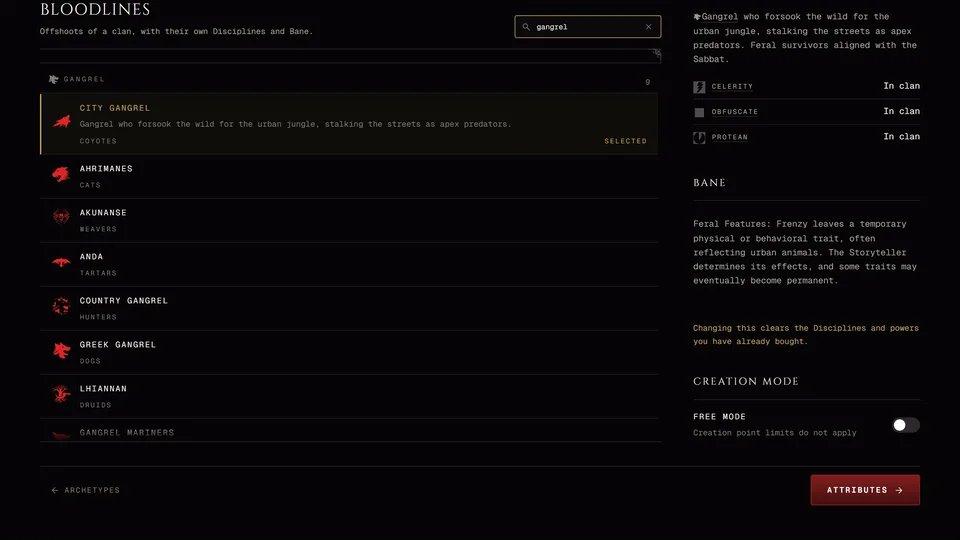
At the end of the Clan step's list press Create your own clan (or Create your own family for a revenant). You can start by copying an existing clan. Give it a Clan name, a Tagline, a Description, its Bane and Compulsion, an Icon and exactly three Disciplines. A custom Discipline is allowed too. Press Create Clan. The row then reads Edit your clan.
Skills and Abilities
On the Skills step press Add a homebrew skill (Add a homebrew ability in 20th Anniversary and Dark Ages). Give it a name, a category and a short description of what it covers and when it's rolled. It files under its category and counts toward that category's dots like any other. If you rename it later its dots and specialties go with it.
Related articles
About this article
- Type
- Guide
- Editions
- V5, V20, Dark Ages, V6
Need more help?

Ask the team in #ghoulapp-feedback on the Player Companion Discord. Or try #ghoulapp. GhoulApp players are active there and help each other.
Open Discord(New tab)